
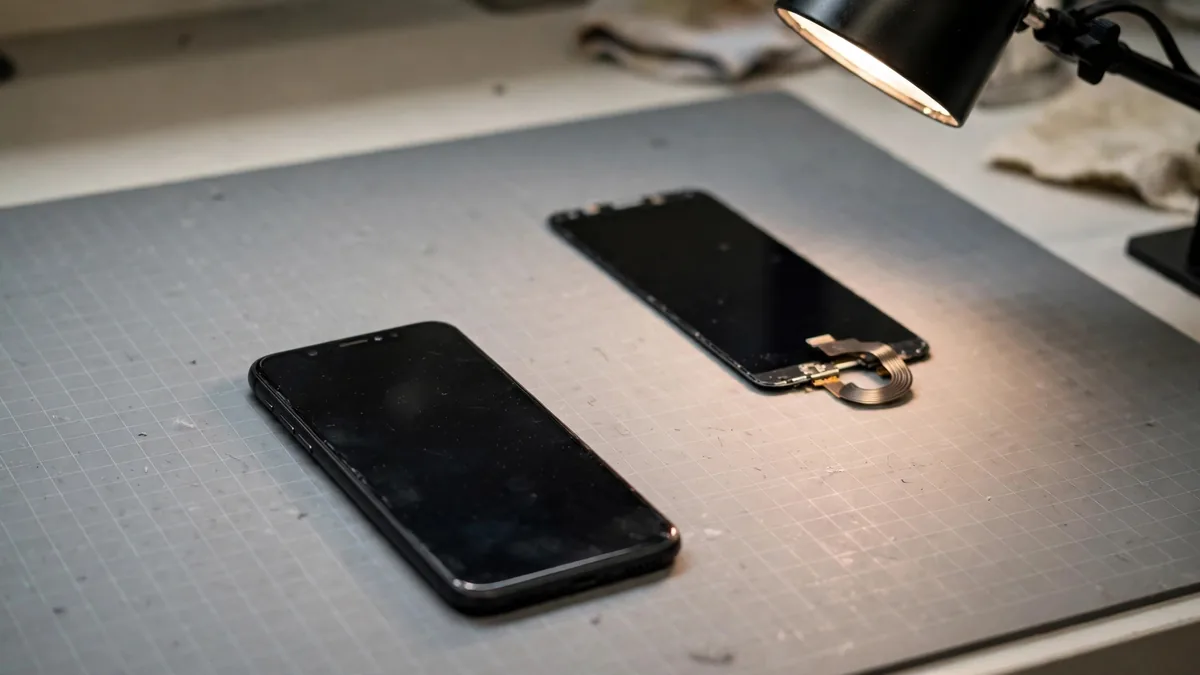
If an iPhone Unknown Part message appears during a used-phone inspection, write down which part it names before you decide what to do. A battery entry raises different questions from a display or camera entry. Ask the seller to show the full screen in Settings, explain what was repaired and let you test the function that matters. The warning can justify slowing down even when the phone looks fine from the outside.
Think of the entry as a lead to follow. It cannot tell you on its own what a repair will cost or whether you would notice a problem in the way you use the phone.
Record the part and read the label in context
Open Settings, General, then About and look for Parts and Service History. Apple's service history guide lists which components each iPhone can report and what the labels mean. A genuine entry describes a repair involving a genuine part and the applicable process. On supported devices, a Used label can mean the part was previously fitted to another iPhone. If you see Finish Repair, ask whether the necessary process can be completed and checked before you buy.
An Unknown label can appear for more than one reason. The component may be non-genuine, may not work as expected or may not be verified. Ask for the repair invoice and which symptoms led to the work. If the seller says the unit has never been repaired, ask them to reconcile that with the phone's report. Don't value the phone as if you have already resolved a discrepancy.
If a particular component is absent from the list, check whether the model and software report it at all. A blank history on a model that doesn't show a given component tells you little about that component. Keep the reading alongside a hands-on test and the paperwork.
Test the function that the warning actually names
For a battery warning, check whether battery health information is available and compare it with how the phone behaves unplugged. Try a short video recording and watch for a steep drop or a restart. Then reconnect a known working cable and verify charging. If the seller advertises a replacement, find out who supplied it and who would inspect the phone if a problem appears. The battery health guide has more checks for the handset itself.
For a display warning, type a line of text, drag slowly through the corners and look at a plain page at your usual brightness. Apple lists touch and colour issues among the possible effects of some display replacements. Check True Tone where appropriate, but don't use its presence or absence as an authentication test by itself. Read our replacement screen guide if you need to inspect the panel more closely.
For a camera warning, first identify whether it concerns the rear system or the front camera. Take pictures at near and far distances, switch among the options you use and record a short clip. For the front camera, separately test Face ID with permission. A selfie can look fine even when the unlocking system doesn't work. If a feature fails or the repair status is unresolved, ask for a diagnosis instead of accepting a guess that the next update will fix it.
Ask which changes the seller can substantiate
A receipt should tell you what work was done and identify the phone where possible. Read the dates and ask whether the same issue returned afterwards. If several parts are listed, check each one. Someone who replaced a screen after a drop might also have a camera problem, and the invoice for the display doesn't tell you whether the camera was tested.
For a courier order, request a current video showing the part entry followed by a demonstration of the relevant function. Agree in writing how you can report a fault after delivery. Do not agree to a price on the strength of a screenshot if the seller cannot connect it to the actual unit. At a Lahore pickup, read the entry on the phone yourself before the device goes into its box.
Price the risk you can actually evaluate
If the seller discloses a repair, the device passes your tests and you have suitable written terms, compare it with another unit of the same model and capacity. If a fault remains, price a proper inspection and repair first. A buyer who depends on Face ID or takes product photos every day may want to skip a unit whose related function hasn't been verified, even if the body looks nearly new.
Browse MacVault's iPhone category and confirm today's price for a comparable handset. Ask for any service history and the warranty terms for that unit. A useful quote says what is known about the phone and who handles a fault, so you can compare it with the lower-priced repair offer.
Frequently asked questions
Will the message disappear if the seller erases the iPhone?
An erase is not a repair or a parts verification process. Confirm the history and the function before handover and follow Apple's guidance for an incomplete repair.
Can I check whether Face ID works by opening the front camera?
Test Face ID separately. Taking a selfie doesn't verify that the phone can enrol or recognise a face for unlocking.
Is a warning enough reason to negotiate a lower price?
Get the part history and test results first. Then compare the phone with a similar unit and consider the cost of any unresolved work before deciding whether the offer is worthwhile.
Business: MacVault
Price Range: Expected price ranges confirmed before purchase
Phone: +92 339 4004289
Description: Browse iPhones, MacBooks, iPads, Apple Watch, AirPods, and PS5 products from MacVault in Lahore with clear condition, warranty, and stock details.
+92 339 4004289 <contact@macvault.store>