
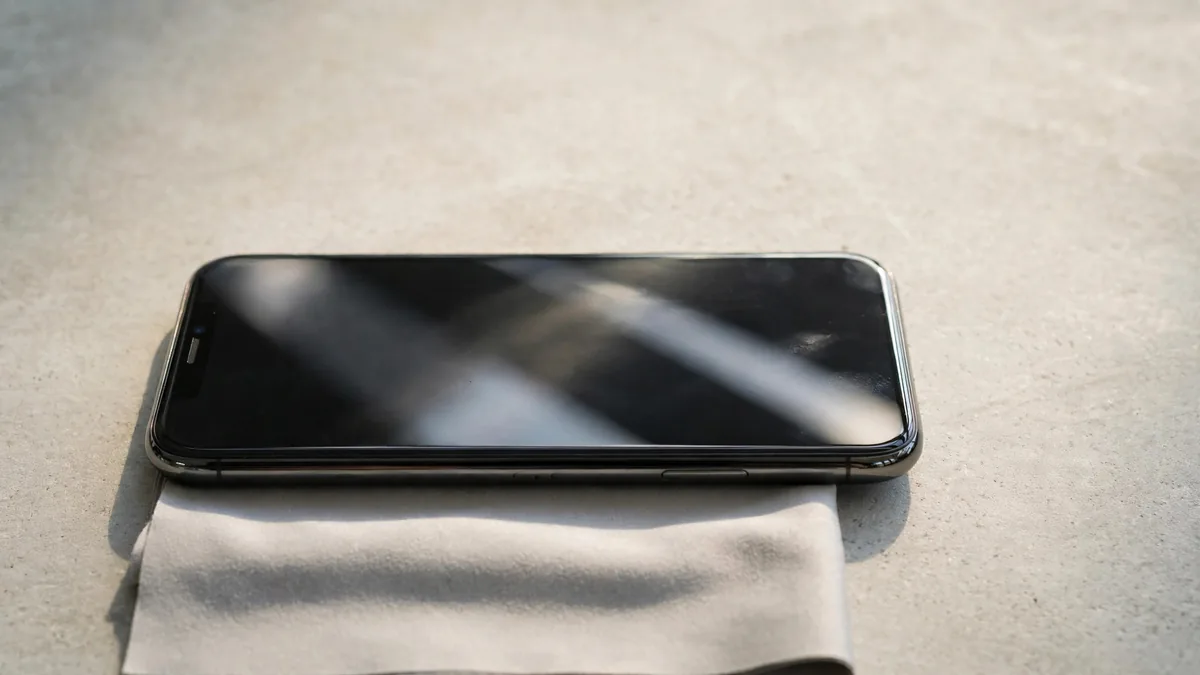
A useful iPhone screen replacement check starts with a question for the seller and ends with your finger moving across every part of the glass. Ask whether the display has ever been repaired. Then check what the phone reports and what the screen actually does. A documented replacement that works well can be a reasonable purchase. An unexplained display warning or a strip of dead touch can change the deal.
Budget a few minutes to do this at normal brightness. Many screen problems are hard to judge from a photo, especially if the picture has been taken outdoors or the phone is showing a bright wallpaper.
Open Parts and Service History
Go to Settings, General, then About. On supported models and software versions, the Parts and Service History section can report a display repair. Apple explains which components are shown and what the labels mean in its Parts and Service History guide. Check the model before reading anything into a missing entry. Support differs across iPhones, and the section shows the most recent service for a part where it has been serviced more than once.
A genuine label on a display entry records a repair using a genuine Apple part and the applicable process. On supported models, a Used label can indicate a part previously fitted to another iPhone. An Unknown label has more than one possible cause, including a non-genuine part or one that cannot be verified. Ask the seller about the history before attaching a price to any of those outcomes. If the phone asks to finish a repair, find out whether that work can be completed and checked before you buy.
Compare what the seller told you with what you see in Settings. If you were told the phone had never been opened and the screen has a recorded repair, ask for the invoice and an explanation. A repair invoice can establish what was done and when, especially if its device information matches.
Treat True Tone as one clue
Look under Display & Brightness to see whether True Tone is available on the model you're inspecting. If it is, switch it on and off on a plain page. The screen adjusts to surrounding light when the feature is on, so results can look different in two corners of the same shop. Night Shift and accessibility display settings can also affect what you see. Check those before treating a warm or cool image as a fault.
Apple's guide to genuine iPhone displays lists issues that can occur with some replacements, including problems with colour or touch. The presence of True Tone alone cannot establish that a panel is the original one. Its absence is a reason to compare settings, repair history and screen behaviour before drawing a conclusion.
If the seller has another unit of the same model, open the same plain page at similar brightness. Compare it straight on and at a slight angle. Look for a strong tint, uneven illumination or an area where text loses contrast. Different brightness settings or a tinted protector can make the same model look surprisingly different.
Run a touch test with everyday gestures
Open a drawing area in Notes if the seller allows it. Draw several slow lines from edge to edge and from top to bottom. A break in the same place on repeated passes is more informative than one missed tap. Then type a short message, scroll a long page and pinch a photo. Check the corners and the part of the screen where your thumb usually lands.
Try the screen with the charger disconnected, then with a known working charger if you noticed odd touches during a plugged-in demo. If a thick protector is chipped or lifting, agree with the seller on how to rule it out before diagnosing the panel itself. Do not peel anything off someone else's phone without permission.
Inspect the join between the glass and frame without trying to press the screen into place. Look for a corner that stands higher than the others, gaps or obvious damage to the frame. Test the earpiece and the normal behaviour of the screen during a call as well. Our Face ID inspection guide covers another function worth testing near the top of the screen.
Price the repair history as well as the phone
Ask who fitted the display, whether a receipt exists and who would handle a fault after purchase. If the phone has a disclosed and documented replacement, decide whether its brightness and touch are good enough for the work you do. Someone who edits photos may notice a colour shift that another buyer would scarcely see when sending messages.
A seller may offer a repaired phone at a lower price. Compare it with a working example of the same model and condition without the repair history. If a touch fault is already present, get it diagnosed rather than assuming the saving will pay for the next repair. Browse MacVault's iPhone category for a comparison and confirm today's quote and the written warranty terms for the exact unit.
Frequently asked questions
Does an Unknown display label always mean the screen is a copy?
Apple lists several reasons a display may be marked Unknown. Ask for the repair history and make a decision based on what the phone reports, how it performs and what paperwork is available.
Can a replacement screen work well enough to buy?
Yes, if the work is disclosed, the screen passes your tests and the price reflects the unit's history. Check who will deal with a display fault after handover.
What is the quickest way to check for a dead strip?
Draw a few lines slowly across the display and look for gaps that reappear in the same place. Then try ordinary taps or typing around that area to see how the fault would affect daily use.
Business: MacVault
Price Range: Expected price ranges confirmed before purchase
Phone: +92 339 4004289
Description: Browse iPhones, MacBooks, iPads, Apple Watch, AirPods, and PS5 products from MacVault in Lahore with clear condition, warranty, and stock details.
+92 339 4004289 <contact@macvault.store>