
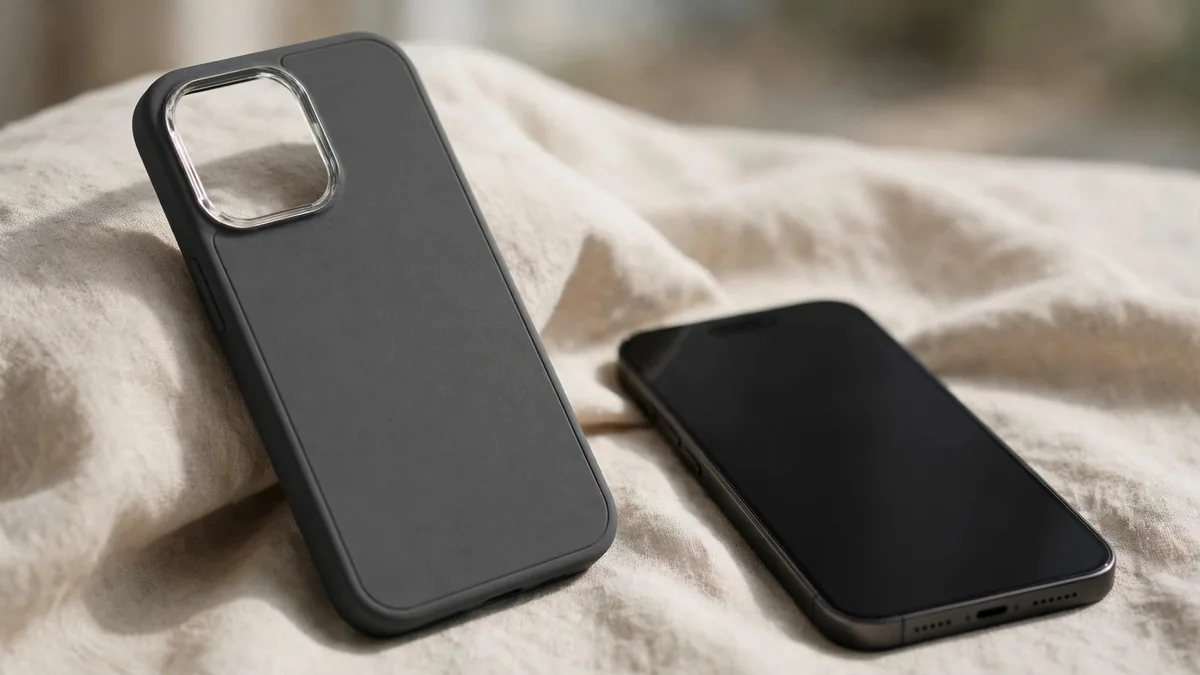
An iPhone 18 Pro Max case is often the first accessory people buy, and in launch season it is also the easiest one to get wrong. Cases appear in Lahore markets before the phone itself does, and some of them were cut from leaked dimensions months before Apple confirmed the final design. A case that is off by a millimetre can block a button, press on the screen edge or leave the camera bump exposed.
The aim is a case that fits this exact model, keeps MagSafe working, leaves every button and the Camera Control usable, and protects the phone from the drops that happen on Lahore roads and stairs.
Why early cases can be the wrong shape
Accessory makers start production before launch, using dimensions from supply-chain leaks and dummy units. When Apple's final design differs slightly, the early batch still gets sold. Common problems include:
- Camera openings that are too tight or misaligned, causing glare or vignetting in photos.
- A button cutout that does not line up, so the case presses a button or blocks it.
- A frame that is slightly loose and lets dust collect around the edges.
- Magnet rings placed in the wrong spot, so chargers and wallets slip.
A case labelled "iPhone 18 Pro Max" in July or August was made before the phone was announced. Wait for cases produced after launch, or test the fit on a real phone before paying.
Confirm the exact model before buying
The iPhone 18 Pro and iPhone 18 Pro Max are different sizes, and neither shares a case with the iPhone 17 Pro Max. Even where previous models look similar, small changes to the camera plateau, button placement or thickness make an older case a poor fit.
- Check Settings, General, About on your phone and confirm it says iPhone 18 Pro Max.
- Ask the seller to state the model on the packaging and invoice.
- If you can, slide the phone into the case at the counter and press every button.
- Hold the case up to the light and check that the camera, flash and microphone holes are clean and aligned.
Apple's iPhone 18 Pro Max specifications list the buttons, including the Action button and Camera Control, so you know what openings to expect.
Camera Control and button cutouts
Camera Control works by pressure and by sliding your finger along it, so a cheap case that simply covers it with thick plastic can make it hard to use. Look for one of these designs:
- An open cutout that leaves the control exposed. This works with no extra effort but leaves a small gap.
- A conductive cover made to pass touch and slide gestures through. Test it: open the camera, press lightly, then slide to adjust zoom or exposure. If the slide feels unreliable, choose another case.
Check the Action button and volume buttons too. They should click clearly without having to press hard. A case where buttons feel mushy usually gets worse with time.
MagSafe cases: what to check
A MagSafe case has a magnet ring built in, so MagSafe chargers, wallets, car mounts and stands snap into place through the case. A case without magnets may still allow wireless charging, but accessories will slide off.
To test a MagSafe case in the shop:
- Attach a MagSafe charger or wallet and shake the phone gently. It should stay put.
- Check the ring is centred over the charging coil; a misaligned ring causes slow or interrupted charging.
- Feel the case after a few minutes of charging. Thick or poorly made cases trap heat, which matters in Lahore summers and in a car.
If you use MagSafe charging every day, our MagSafe charger guide explains wattage and heat.
Choosing the right type of protection
- Clear case: shows the phone's colour. Cheaper clear cases yellow over months, especially in heat and sunlight.
- Silicone: good grip, soft feel, collects dust and lint in pockets.
- Leather or fine-woven materials: age with use and suit office users more than heavy-duty ones.
- Rugged case: thicker corners and a raised lip around the screen and camera. A good pick for bikers, delivery riders, children's hands and anyone who drops their phone often.
- Thin cases and skins: protect from scratches, not drops.
Whatever you choose, look for a lip that rises slightly above the screen and the camera bump so the glass does not touch the floor in a flat drop. Pair the case with a screen protector that fits under the case edges; our screen protector guide covers glass types.
Spotting copy cases sold as originals
Apple-branded cases are copied widely. Signs of a copy include a loose fit, a weak magnet ring, uneven stitching or colour, packaging with spelling errors and a price well below what an original usually costs. A third-party case from a known brand is a better choice than a fake Apple case.
Ask the seller whether the case is an Apple original, a branded third-party case or a generic one, and get the answer on the invoice. If the case does not fit once you get home, ask before buying whether it can be exchanged; terms vary by product and seller, and MacVault's returns page explains how this is handled.
Next step
Before buying a case, decide what you need: MagSafe, a rugged frame for drops, or a slim case for a pocket. Browse MacVault accessories and message MacVault on WhatsApp with your exact phone model to check which cases are in stock and photos of the actual item. If you are still choosing the phone, start with our iPhone 18 Pro Max price guide.
Frequently asked questions
Does an iPhone 17 Pro Max case fit the iPhone 18 Pro Max?
Do not assume it does. Small changes in camera layout, buttons or thickness can make an older case press on buttons or leave the camera exposed. Buy a case made for the iPhone 18 Pro Max.
Do I need a MagSafe case for wireless charging?
Wireless charging can work through many thin cases, but MagSafe accessories need a case with a built-in magnet ring to stay attached. Choose a MagSafe case if you use magnetic chargers, mounts or wallets.
Will a case stop Camera Control from working?
A case with an open cutout keeps it fully usable. A covered design needs a conductive layer for sliding gestures; test pressing and sliding in the camera before you buy.
How can I tell if an Apple case is fake?
Check the fit, magnet strength, stitching, colour consistency and packaging, and compare the price with what originals normally cost. Ask the seller to write on the invoice whether it is an Apple original.
Business: MacVault
Price Range: Expected price ranges confirmed before purchase
Phone: +92 339 4004289
Description: Browse iPhones, MacBooks, iPads, Apple Watch, AirPods, and PS5 products from MacVault in Lahore with clear condition, warranty, and stock details.
+92 339 4004289 <contact@macvault.store>