
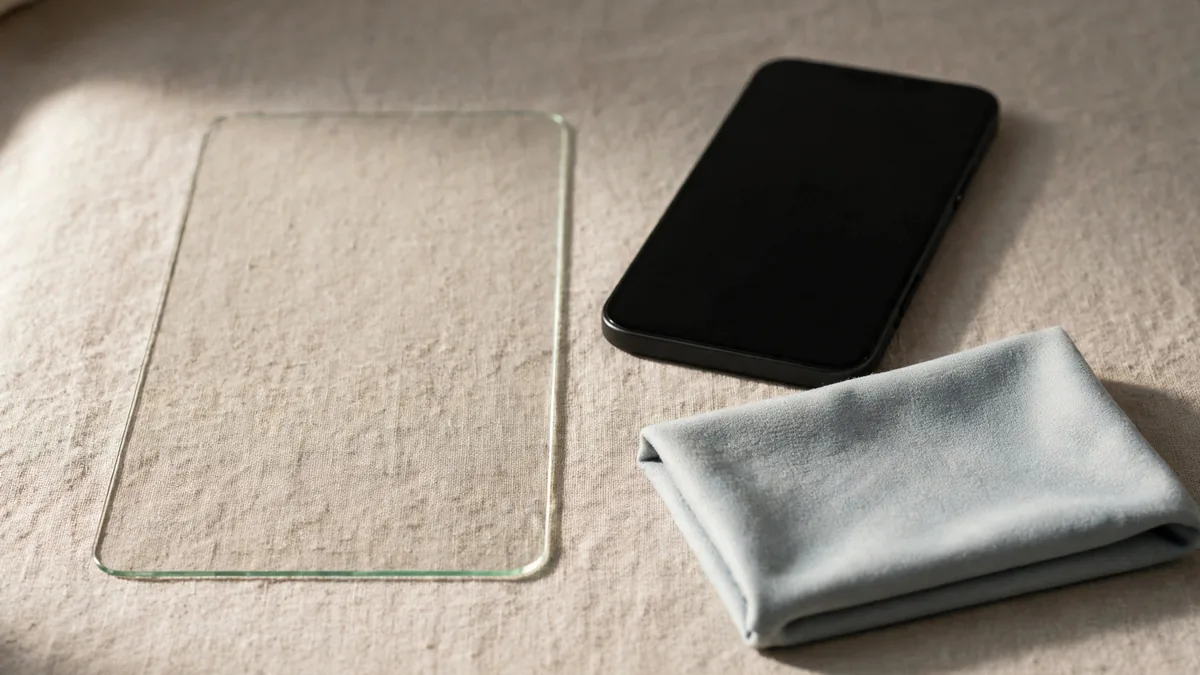
Search iPhone screen protector Pakistan and you'll find clear glass, privacy glass, matte finishes and thin films, often for the same model. Start with what annoys you about your current screen. If you read by a bright window, test reflections. If you check messages on a crowded commute, see how a privacy filter looks from the side. If you simply want a replaceable layer over the glass, check how cleanly it fits with your case.
Bring the actual phone and case to the shop if you can. Have the seller confirm the exact model and show the protector before fitting it. A protector can match the screen size on paper and still leave its edge in the wrong place.
Compare the finish with a task you do every day
Clear tempered glass is a useful starting point if you want to keep the screen looking close to normal. Read a white page and scroll slowly before deciding how it feels. Check whether a black border, if present, covers any of the visible display. A protector may help take everyday marks, but don't treat a drop claim on the box as a promise about what will happen to the phone.
Privacy protectors reduce visibility from some angles. Try reading a message straight on and have someone view the screen from the side. Then tilt it the way you normally would when the phone is on a desk. If the display looks darker or you can't comfortably share a photo with someone beside you, decide whether the privacy benefit is worth that trade-off.
Matte protectors scatter reflections and can change how text, colours and fine detail look. Compare a familiar photo and a page of small print under the light you use most. A thin film can feel less prominent under a case, but it may feel different to the finger and show wear in another way. Test a slow swipe rather than deciding only from the finish name.
Check the cutout and case together
Find the model name in Settings, General, About. Compare it with the package and let the shop know which case you intend to keep. Look at how the protector sits around the top of the display, the speaker area and the corners. If the case presses against the edge and lifts it, try a better-fitting protector or case.
Apple's Face ID troubleshooting guide recommends checking whether a screen protector or case covers the TrueDepth camera. If Face ID worked before fitting, try it again with the phone held the way you usually unlock it. A protector fitted off-centre or with an obstructed area near the sensors should be checked before you assume a hardware fault. Our used-phone Face ID guide covers the separate case of a phone that already had a problem.
Test touch where you notice it most. Type near the keyboard edges, drag from a corner and swipe from the side. Check that touch behaves normally with the case on. If the seller notices trouble after fitting, have them inspect the installation before you leave. A new accessory shouldn't be accepted on the assumption that a dead area will improve later.
Watch the fitting instead of judging only the final photo
Ask the fitter to clean the screen, check it under a light for dust and align the protector before pressing it down. Dust under the middle of the glass and a bubble caused by a lifting case edge are different problems. Ask whether the shop will refit or replace a protector that is visibly misaligned. Get that answer before the package is opened.
Use a plain page after fitting. Look around the edges with the screen on, then hold the phone at a slight angle to see trapped dust. Check the front camera and Face ID if your model uses it. If the phone had a thick old protector, compare how the new one behaves after the case is fitted again. This is easier to resolve at the counter than after you've carried the phone for a day.
If touch already failed before fitting, a protector won't repair the display. Try the phone without the old accessory and investigate the underlying issue. See the display replacement guide if you're buying a used handset and unsure which part is causing a problem.
Before paying, check that your usual swipe up still starts comfortably from the bottom edge.
Ask for the installed price
Find the model and finish you need in MacVault's accessories selection, and confirm today's price and whether fitting is included in the quote you're comparing. The Lahore accessories guide covers other case and accessory checks. Keep the package information if you want to buy the same fit again later.
Frequently asked questions
Can privacy glass make a display harder to see outdoors?
Try it at the brightness and angle you normally use. A filter can reduce side visibility and change how bright the screen appears.
Why did an edge lift when I put the case back on?
The case may be pressing against the protector. Ask for a fit that leaves enough clearance and test both together before leaving the shop.
Should I replace a protector that interferes with Face ID?
Check for obstruction or misalignment around the sensors and retest without the protector if needed. If Face ID still fails without it, follow Apple's troubleshooting guidance before buying another protector.
Business: MacVault
Price Range: Expected price ranges confirmed before purchase
Phone: +92 339 4004289
Description: Browse iPhones, MacBooks, iPads, Apple Watch, AirPods, and PS5 products from MacVault in Lahore with clear condition, warranty, and stock details.
+92 339 4004289 <contact@macvault.store>