
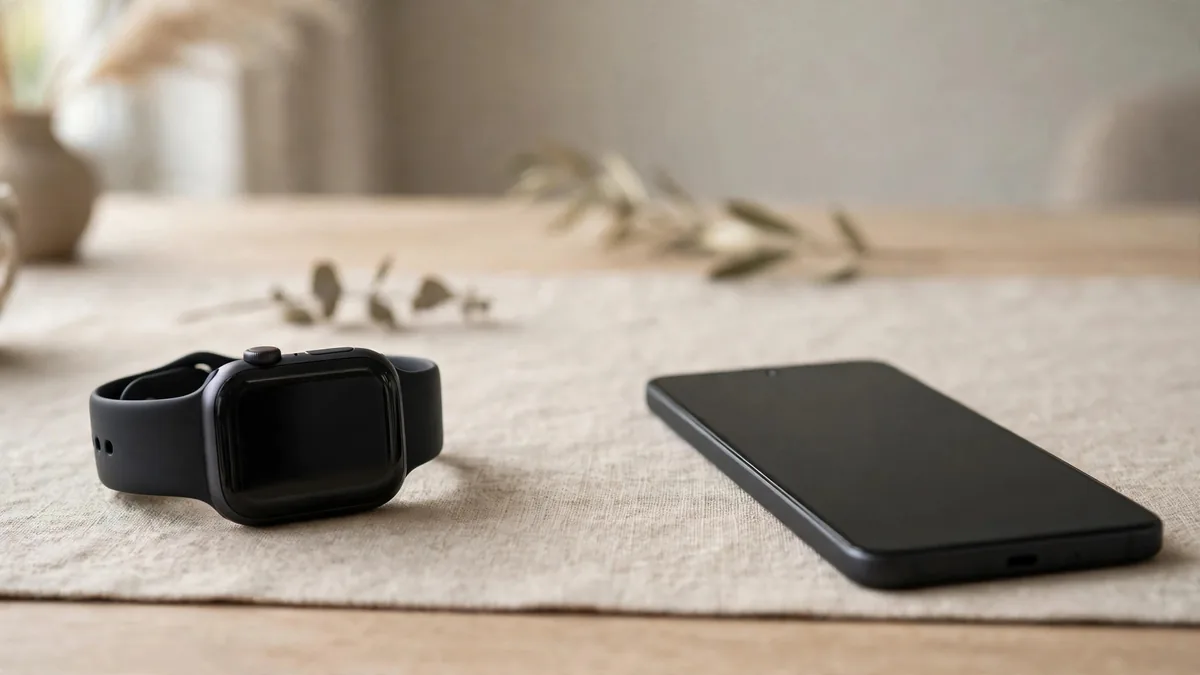
Does Apple Watch work with Android? No. An Apple Watch cannot be paired with a Samsung, Xiaomi, Infinix, Oppo or any other Android phone, and there is no app or setting that changes this. The watch is built to work as a companion to an iPhone, and Apple does not offer an Android version of the Watch app that handles setup.
That short answer matters because the question usually comes up in one of three situations: someone in the family gifts a watch, a seller on OLX says "it works with all phones", or a buyer plans to switch from iPhone to Android later. Each case has a different outcome, so it helps to know exactly what the watch needs and what stops working when that need is not met.
Why setup needs an iPhone
When you first turn on an Apple Watch, it shows a pairing animation and waits for an iPhone. Setup happens inside the Watch app on that iPhone. The phone transfers your Apple Account, Wi-Fi details, notification settings, Health profile and activity goals to the watch. Without that step the watch stays on the pairing screen and offers nothing else.
The iPhone also has to be recent enough and running a current version of iOS. Each new version of watchOS raises the minimum iPhone model, so a very old iPhone lying in a drawer may not be able to set up a new watch. Check the compatibility note on Apple's Apple Watch compare page for the model you are considering before you rely on a spare phone.
If you already use an iPhone, the Apple Watch pairing guide walks through the setup screens. The rest of this article is for people whose daily phone is Android.
What stops working without a paired iPhone
Some people plan to borrow an iPhone for setup, then carry the watch alongside an Android phone. That technically leaves you with a working watch, but a far smaller one than you paid for. Here is what you lose once the watch is not near its paired iPhone:
- Notifications. Messages, WhatsApp alerts and calls from your Android phone never reach the watch. Bluetooth between an Apple Watch and an Android phone is not supported for this.
- Calls and texts. Without the iPhone nearby or a working cellular plan on the watch itself, you cannot answer or place calls from your wrist.
- App installs and updates. Adding apps, changing watch faces in detail and installing watchOS updates are managed through the iPhone.
- Health history. Workouts, heart rate and sleep data are stored on the watch for a while, then sync to the Health app on the iPhone. There is no route to send that history to Google Fit, Samsung Health or another Android app.
- Backups. If the watch has to be erased, its backup lives on the paired iPhone. With no iPhone, you start from zero.
What still works on its own: the time, alarms, timers, stopwatch, workout tracking, heart rate readings and music already stored on the watch.
The Family Setup exception, and why it rarely fits
Apple has a feature called Family Setup. It lets a parent or another family member use their own iPhone to set up a cellular Apple Watch for someone who does not have an iPhone, such as a child or an older relative. The watch then works with its own mobile connection and the organiser manages it from their phone.
This sounds like a loophole for Android users, but it has limits. It needs a cellular model of the watch, an organiser with an iPhone in the same Family Sharing group, and a mobile plan that supports the watch. Many features are reduced compared to a normal setup. In Pakistan, carrier support for Apple Watch cellular plans is the first thing to check before counting on it. Ask your network directly whether it can activate a plan on that exact watch. If Family Setup is your reason for buying, confirm every step before you pay, not after.
Situations where buyers get caught out
A gift for an Android user. If a relative abroad sends an Apple Watch to someone who carries a Samsung, the watch will not help them much. It may be easier to keep the watch for an iPhone user in the family, or to sell it sealed while it still has full value, than to work around the limits.
"Works with Android" listings. Some marketplace listings claim an Apple Watch connects to any phone through a third-party app. These apps cannot do the job Apple's pairing does. Treat that claim as a sign the seller does not know the product or is not being straight. Also be wary of watches sold as Apple-branded that pair through a generic Bluetooth app: those are usually copies.
Switching from iPhone to Android. If you own an Apple Watch and plan to move to Android, unpair the watch from your iPhone first. Unpairing makes a backup and removes Activation Lock, which matters if you later sell it. Leaving Activation Lock on makes the watch useless to the next owner. The used Apple Watch checklist explains why buyers check this.
Buying a used watch with a borrowed iPhone. When inspecting a secondhand watch, you need an iPhone to confirm that it pairs, updates and shows real battery health. If you do not own one, bring someone who does, or ask the seller to demonstrate it on their phone and then erase the watch in front of you.
When to choose an Apple Watch Android alternative
If your phone is Android and you do not plan to change, an Apple Watch Android alternative will give you more for your money. Watches built for Android, such as Wear OS models from Samsung and Google, show your notifications, sync health data to your phone's apps and receive updates through an Android companion app. Simpler fitness bands from various brands cover step counts, sleep and heart rate with long battery life.
If you are open to switching phones, think about the pair together. An Apple Watch makes the most sense for someone already living with iPhone, iCloud and AirPods, and the watch alone is rarely a good reason to change phones. Count the cost of both devices, the time to move your chats and photos, and whether you are comfortable with iOS before deciding.
When you do want an Apple Watch with an iPhone, the Apple Watch price guide explains why the Apple Watch price in Pakistan shifts between models, sizes, GPS and cellular versions, and new or used condition. If you carry an iPhone and want to see current options, browse the Apple Watch collection on MacVault, or send the model and size you want on WhatsApp through the contact page to confirm today's price and the condition of a specific unit.
Frequently asked questions
Can I set up an Apple Watch with an iPad instead of an iPhone?
No. Apple Watch setup is done from the Watch app on an iPhone, and iPad does not have that role. A Mac cannot set it up either, although it can unlock with an already-paired watch.
Will an Apple Watch show WhatsApp messages from my Android phone?
No. Notifications travel from the paired iPhone to the watch. An Android phone cannot pass its notifications to an Apple Watch, even if both are close together.
Can I use an Apple Watch without iPhone after the first setup?
Partly. Workouts, alarms, timers and stored music keep working away from the iPhone, and a cellular model can do more on its own. Updates, backups, Health history and most settings still depend on the paired iPhone, so long-term use without one is frustrating.
Business: MacVault
Price Range: Expected price ranges confirmed before purchase
Phone: +92 339 4004289
Description: Browse iPhones, MacBooks, iPads, Apple Watch, AirPods, and PS5 products from MacVault in Lahore with clear condition, warranty, and stock details.
+92 339 4004289 <contact@macvault.store>