
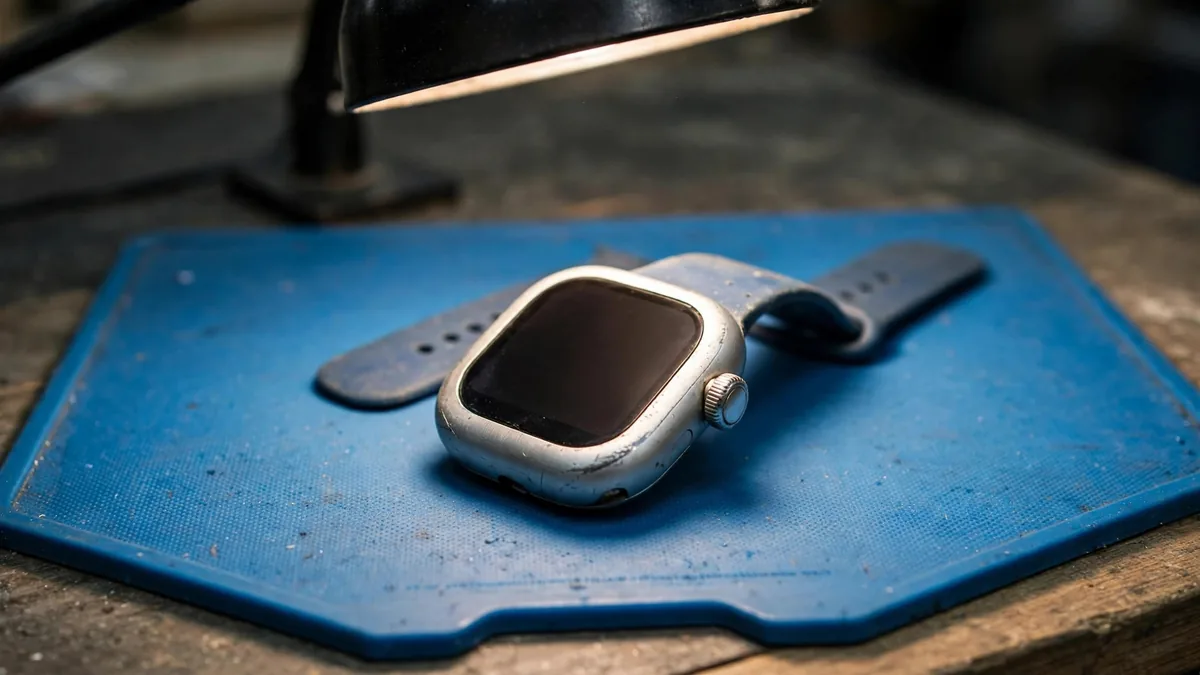
A watch is small enough to hide its problems. A scratched sensor, a tired battery or an Activation Lock can all sit behind a perfectly clean face. If you are shopping for a used Apple Watch Lahore sellers have listed on OLX or in Hafeez Centre, plan to spend fifteen minutes with the watch and your own iPhone before money changes hands.
The checks below follow the order that saves time: rule out the deal-breakers first, then look at condition, then decide whether the second hand Apple Watch price makes sense for what is left.
Bring your iPhone and confirm compatibility
An Apple Watch needs an iPhone to set up. It will not pair with an Android phone. Before you travel, check that your iPhone runs a recent enough iOS version for the watch model you are considering; very old iPhones cannot pair with newer watches. Apple lists the current requirements on its support site.
Ask the seller for the exact model, case size and material before meeting. Series 10 and Series 11 come in 42mm and 46mm, Ultra models are 49mm, and older Series models use different sizes. A seller who says "latest Series" without a number should be able to show it in Settings, then General, then About.
Clear Activation Lock in front of you
Activation Lock is the first thing to check, because a locked watch cannot be used by anyone except the original owner. It is tied to the seller's Apple Account through Find My.
The clean way to remove it is for the seller to unpair the watch from their own iPhone, in the Watch app, with you watching. Unpairing removes the lock and erases the watch. Then pair it with your iPhone yourself. If the pairing screen asks for someone else's Apple Account password, stop.
Be wary of these situations:
- The seller says they "forgot" the password or the phone is "at home".
- The watch is already erased but the seller cannot explain how the lock was removed.
- The watch is offered with no box and a much lower price than similar listings.
Apple's support pages on Activation Lock explain how the owner removes it. Our iCloud lock guide for iPhones covers the same idea from the phone side.
Read the battery health and do a short drain test
Once the watch is paired, open Settings on the watch, then Battery, then Battery Health. The maximum capacity figure tells you how much charge the battery holds compared with new. Lower numbers mean the watch may not last the day, especially if you use workouts, the always-on display or GPS.
A percentage alone is not the full story. Start a workout, leave it running for ten minutes, and watch how far the charge drops. Also ask the seller how they charged it. A watch charged on a cheap third-party puck in Lahore's summer heat may have aged faster than its date suggests.
If you like the watch but the battery is weak, budget for a battery service and include that in your comparison. A strong battery on an older model can be a better buy than a worn battery on a newer one.
Test the screen, buttons and sensors
Check the display at full brightness and on a white background. Look for dead pixels, a yellow tint at the edges, or a screen that lifts slightly from the case, which can point to battery swelling. Run a finger across the whole screen to check touch response in each corner.
Press the side button and turn the Digital Crown in both directions. The crown should feel smooth with a light click, not gritty. On Ultra models, test the Action button too.
Then the sensors on the back:
- Look at the rear crystal for cracks or deep scratches over the sensor windows.
- Open the Heart Rate app and wait for a reading while wearing the watch.
- If the model supports it, open the ECG or Blood Oxygen app and see whether it runs. Some features depend on region and software, so a missing feature is not always a fault, but it should be explained.
- Raise your wrist to wake the screen, which checks the motion sensors.
- Make a short call or play audio to test the speaker and microphone.
Finally, ask whether the watch has ever been opened or repaired. A replaced screen is not always a deal-breaker, but it changes what the watch is worth.
Check the band and the box
Many second hand watches come with a third-party band, which is fine as long as the price reflects it. If the seller says the band is genuine, look at the pin mechanism and the finish on the lugs; copies often have rough edges or loose fit in the slot. Our Apple Watch strap guide covers what to look for.
If the original box is included, the serial number on it should match the one in Settings. A box that belongs to another watch is a common way to make a unit look more complete than it is.
Cellular models and PTA questions
GPS + Cellular watches are common in the used market, and they are often priced higher. Before paying extra, find out whether cellular service is something you will actually use in Pakistan. Ask the seller directly whether they used the watch's cellular feature here, and with which network. Our Apple Watch cellular guide explains what to check, since carrier support and registration rules can change. If in doubt, value a cellular watch mainly on its GPS features.
Frequently asked questions
Can I remove Activation Lock without the seller?
Not legitimately. Only the owner can remove it with their Apple Account, or Apple can with proof of purchase. If the seller cannot do it in front of you, do not buy the watch.
What battery health is good for a used Apple Watch?
There is no single cut-off. A higher maximum capacity is better, but the drain test matters too. Decide how many hours you need and check whether the watch can realistically give you that.
Is a used Apple Watch Ultra worth more than a Series model?
It usually costs more because of its larger case, longer battery and tougher build. Whether that is worth paying depends on whether you need those features, so compare condition and battery of both before deciding.
Should I buy a used watch without its charger?
You can, but check that a compatible charger is included or easy to buy, and test charging before paying. A watch that does not charge on a known-good cable may have a fault.
To compare a used Apple Watch with what is available now, browse the MacVault Watch page and ask on WhatsApp for the battery health and current photos of the exact unit.
Business: MacVault
Price Range: Expected price ranges confirmed before purchase
Phone: +92 339 4004289
Description: Browse iPhones, MacBooks, iPads, Apple Watch, AirPods, and PS5 products from MacVault in Lahore with clear condition, warranty, and stock details.
+92 339 4004289 <contact@macvault.store>