
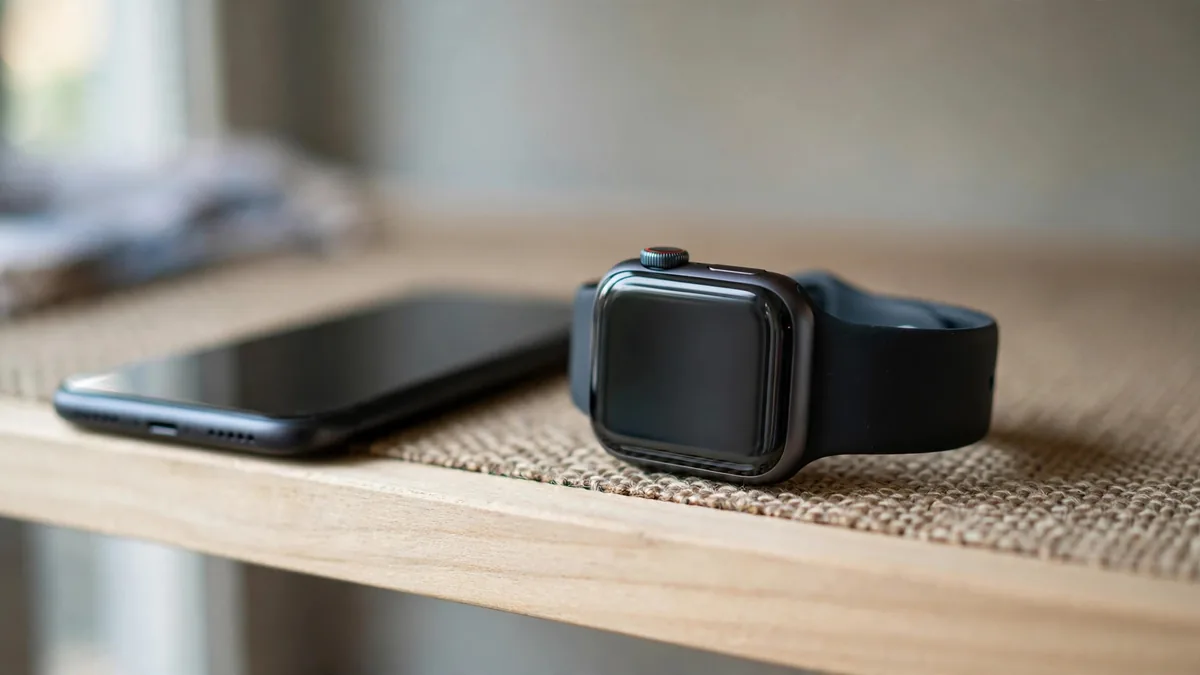
If you are shopping for an Apple Watch in Lahore, sooner or later a seller will show you two versions of the same model: GPS, and GPS plus Cellular, with the cellular one costing more. The obvious question is whether Apple Watch cellular in Pakistan actually works, or whether that extra money buys a feature you cannot switch on.
The honest answer on Apple Watch cellular Pakistan support is that it depends on your network, and that support has historically not been there for Pakistani carriers. This guide explains how watch cellular works, what you lose on a GPS model, and the specific cases where a cellular unit is still worth buying.
How cellular on an Apple Watch works
A cellular Apple Watch has its own built-in eSIM. It does not take a physical SIM card. When set up, it usually shares your iPhone's number through a carrier service, so calls and messages reach you on the watch even when the phone is at home.
That sharing has to be offered by your network, and it has to be the same carrier your iPhone uses. Apple keeps a list of supported carriers by country on its Apple Watch cellular page. If your carrier is not on that list, the cellular setup step on the watch simply has nothing to connect to.
So when people ask about Apple Watch LTE in Pakistan, the real question is not about the watch. It is whether Jazz, Zong, Telenor or Ufone offer the watch eSIM service. Historically, Pakistani networks have not appeared on Apple's list, and owners here have not been able to activate the watch's own line. Before paying for cellular, check Apple's current list and ask your network directly, because support can be added in any year.
What a GPS model can still do
A GPS watch is not a lesser watch for most people. When your iPhone is nearby, the watch uses it for everything: calls, WhatsApp notifications, messages, maps and music streaming. The connection runs over Bluetooth or Wi-Fi.
Even when the phone is not within Bluetooth range, a GPS watch can still use a Wi-Fi network your iPhone has joined before. That covers home, office and many gyms.
Without your phone or a known Wi-Fi network, a GPS watch still does a lot on its own:
- tracks workouts with built-in GPS for routes and distance
- records heart rate, sleep and other health data
- plays music or podcasts you have downloaded to it
- uses Apple Pay where it is supported
- shows the time, alarms, timers and offline faces
Our pairing guide walks through the setup and how the watch shares the iPhone's connection.
What you lose without cellular
The difference only matters when your phone is out of range and there is no Wi-Fi. In that situation, a GPS watch cannot:
- make or receive calls, or receive messages
- stream music or use online maps
- send its own emergency call over the mobile network
That last point is the one people worry about. Fall Detection and Emergency SOS still work through a nearby iPhone or Wi-Fi calling, but a GPS watch cannot place a call by itself when it is alone. If emergency calling without a phone is the reason you want an Apple Watch, check exactly what is possible on local networks before relying on it.
When paying extra for cellular makes sense
Because the cellular line itself is not likely to be active in Pakistan right now, buying a cellular model purely for the eSIM is usually money spent on nothing. There are still a few good reasons to choose one.
- You travel to a country where it works. If you spend long periods in the Gulf, UK or elsewhere and your carrier there supports the watch, the cellular model is useful during those trips. Check that the watch is compatible with that country's networks.
- The material or finish you want is only sold as cellular. On some Apple Watch generations, premium cases have only come in the cellular version. If you want that finish, cellular is part of the package.
- The model is cellular only. Apple Watch Ultra models come with cellular as standard, so there is no GPS version to compare.
- The price gap is small. On used units the difference can shrink. If the cellular unit costs about the same as the GPS one, there is no harm in having it.
- Resale to someone abroad. A cellular unit can be easier to sell to a buyer moving overseas.
If none of these apply, a GPS watch with the same chip and size gives you the same everyday experience in Lahore and costs less. For current pricing on newer models, see our Apple Watch Series 11 price guide.
Checking a cellular unit when buying used
If you do buy a cellular watch second hand, run a few extra checks. Make sure the previous owner has removed the cellular plan and unpaired the watch, and that it is not locked to their iPhone. The watch should be fully erased and ready to pair. Our used Apple Watch checklist covers battery, screen and Activation Lock in more detail.
Frequently asked questions
Can I put a Pakistani SIM in an Apple Watch?
No. Cellular Apple Watch models use a built-in eSIM and no Apple Watch has a physical SIM slot. Activation needs a carrier that offers the watch number-sharing service.
Do Jazz or Zong support Apple Watch cellular?
Pakistani networks have not historically appeared on Apple's supported carrier list. Check Apple's current list and ask your network before paying more for a cellular model, because this can change.
Is a GPS Apple Watch enough in Pakistan?
For most buyers, yes. With your iPhone nearby or a known Wi-Fi network, it gets calls, notifications and messages, and it tracks workouts and health data on its own.
Will a cellular Apple Watch from Dubai work in Lahore?
The watch works as a normal paired watch, but its cellular line depends on carrier support. A UAE plan generally does not carry over to Pakistani networks, so treat it like a GPS watch here unless your local network adds support.
Choosing your watch
Start with the size, chip and battery you want, then decide on cellular only if one of the cases above fits your life. Browse MacVault's Apple Watch listings, where the connectivity of each unit is noted, and contact us or message on WhatsApp to confirm today's price for GPS and cellular versions side by side.
Business: MacVault
Price Range: Expected price ranges confirmed before purchase
Phone: +92 339 4004289
Description: Browse iPhones, MacBooks, iPads, Apple Watch, AirPods, and PS5 products from MacVault in Lahore with clear condition, warranty, and stock details.
+92 339 4004289 <contact@macvault.store>