
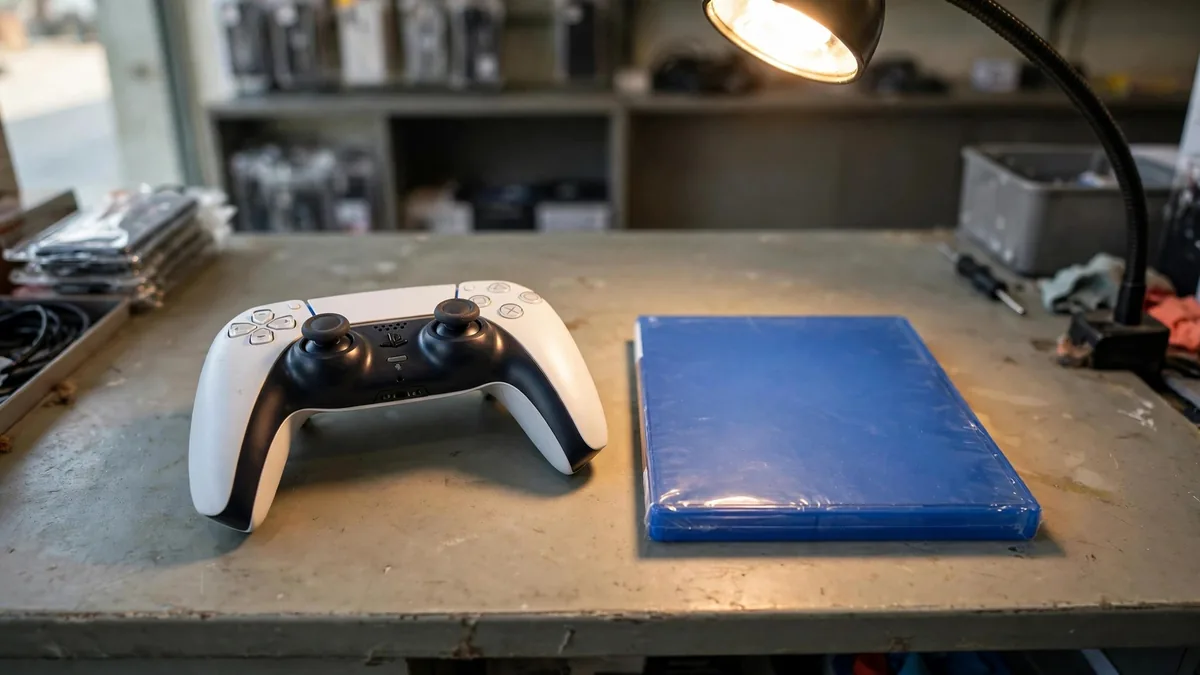
Before arranging a demo from a used PS5 Lahore listing, ask the seller to leave the console off until you arrive. You want to see it start, connect to a display and run a game long enough to warm up. Find out whether it has a drive, which controller comes with it and whether you can test PlayStation Network. A photo of the home screen answers only a small part of what you need to know.
Bring a game you know works if the seller agrees, and make sure the meeting place has a suitable screen and internet connection. Confirm what you will be allowed to inspect before taking cash or arranging a transfer.
Match the hardware and paperwork first
Read the model label and ask what work has been done. Check whether the included drive is part of the original package or was added later. If you only need a digital console, make sure the price doesn't assume an optional drive that isn't included. Read the Digital versus Disc Edition guide if that choice is still open.
Look along the edges of the covers, around the sockets and at the casing. Uneven joins, damaged clips or marks around screws are reasons to ask questions. Some PS5 covers and drives are designed to be removable, so evidence that a cover moved doesn't establish an internal repair. If a seal appears damaged or the seller mentions service, ask what was opened, why and who did the work. A dated invoice or repair record makes the explanation easier to assess.
Compare the console identifiers with any receipt that includes them. Ask which cables, feet or stand and controller go home with you. You want the price for that package, not a demonstration with accessories the seller will keep.
If a cable or stand is missing, confirm the replacement you need for the model before accepting the lower quote.
Test the video signal under normal use
With the console off, look into the HDMI socket without putting anything inside. Check for bent metal, a visibly loose housing or a cable that will not seat normally. Turn it on with a known working cable and wait for the console to reach its menu. Launch a game and watch for dropouts, flashes or an image that repeatedly takes time to return.
If the picture cuts out, try another suitable cable or input. Keep the connector in a normal position during the test. A seller holding it at a particular angle to keep the signal is showing you a fault to investigate. If you intend to use a particular display mode, try it on a compatible screen instead of assuming a brief menu demo proves it works.
Listen while the game runs. A short burst of drive activity or a fan changing speed can be normal. Pay attention to grinding, repeated overheating warnings or a shutdown after the machine warms. Test with the console standing as intended and with room around the vents. Ask for a diagnosis if a problem keeps coming back.
Pair the controller and check the drive separately
Connect the included DualSense with a suitable USB cable and confirm it pairs. Unplug it and play a short round wirelessly. Use both sticks, shoulder buttons and triggers, and check for motion after you release the sticks. If the seller demonstrates another controller first, repeat the test with the one on the invoice. Confirm it charges and that the cable included with the package does the job you need.
For a disc-equipped unit, insert a clean, known working disc, allow the console to recognise it and see whether it installs or launches as expected. Eject it normally. If the console reads one title but repeatedly fails with other known good discs, investigate the drive before buying. For a recently attached drive, ask to see it working after setup.
Check PlayStation Network before accepting the console
Ask the seller to show that the machine can sign in to PlayStation Network and reach a service such as the Store. A connection to Wi-Fi only proves it reached the network. If the sign-in fails, note the exact error and check whether the issue follows the account or the console. Sony's suspensions guidance explains why a different account cannot fix a console-level suspension.
Don't count a previous owner's downloaded library as part of the value. Agree how accounts and data will be removed and how you will confirm the console is ready for your own use. Check the PS5 buying guide for a comparable new package. Browse MacVault's PS5 selection and confirm today's price and written terms for the exact condition and accessories you need.
Frequently asked questions
Does a noisy PS5 always need a repair?
Different games and drive activity can change the noise. Test through a stretch of play and check for rattling, overheating warnings or shutdowns that repeat under the same conditions.
Can I tell from the seals alone whether a console is reliable?
Look at the seals alongside the casing, service record and live tests. Marks can prompt a useful question, but the unit's actual behaviour matters to the purchase.
How can I check a PS5 that will be sent by courier?
Ask for a current video of the labelled console starting, running a game and reaching PlayStation Network. Agree on the evidence and written remedy if the device that arrives differs or fails inspection.
Business: MacVault
Price Range: Expected price ranges confirmed before purchase
Phone: +92 339 4004289
Description: Browse iPhones, MacBooks, iPads, Apple Watch, AirPods, and PS5 products from MacVault in Lahore with clear condition, warranty, and stock details.
+92 339 4004289 <contact@macvault.store>