
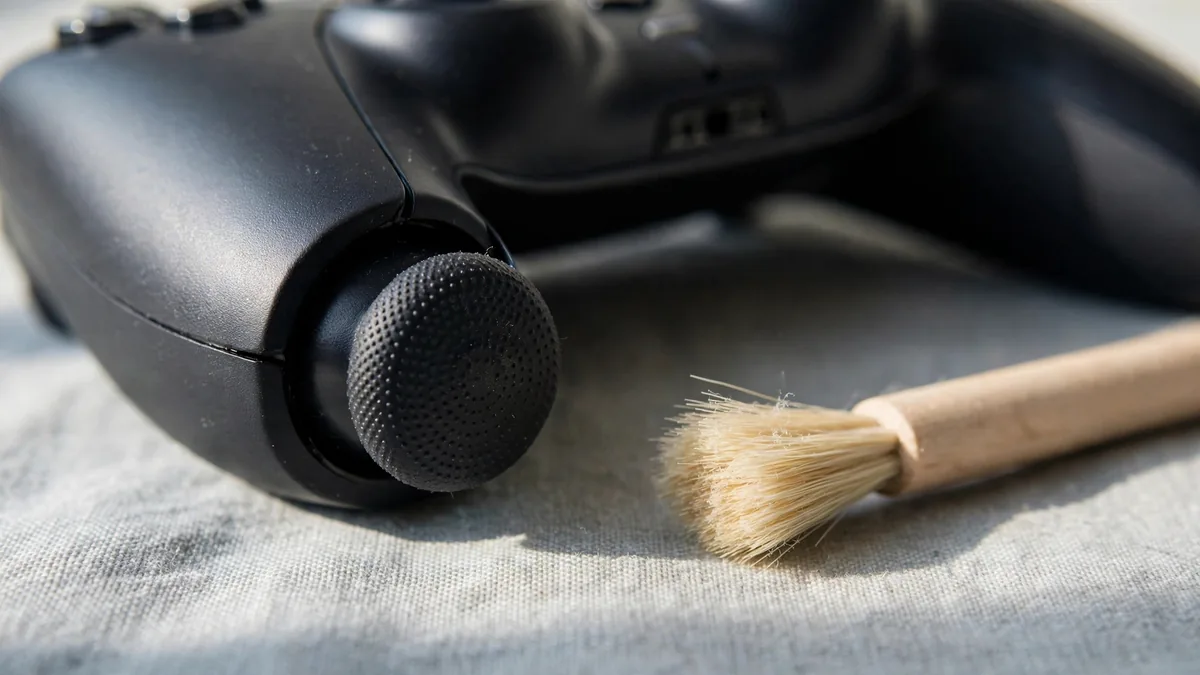
PS5 controller drift often shows up as a camera that keeps turning after you let go of the right stick, or a character who walks when your thumbs are off the pad. Before paying for a repair, check whether the movement follows the controller across games. A game setting, motion control or an unusually low dead zone can look like a hardware problem if you only test one mode.
Use a repeatable setup and write down which stick moves, in which direction and how often. If you take the controller for repair later, those details help the technician reproduce what you see.
Separate unwanted stick input from game behaviour
Choose a training area where the game normally stays still when you stop moving. Put the controller on a table and take your hands off it. Watch what happens, then move each stick slowly in a circle and release it. Repeat from different directions. A stick that moves the camera only after it returns from one side is worth testing again from that side.
If the movement is intermittent, record a short clip that shows both your hands and the screen.
Turn off motion aiming for the test if the game uses it, and check for settings that move the camera automatically. Try a second game with familiar controls. If a second controller is available, use it with the same game and settings. An issue that stays with one pad across games is more consistent with a controller fault than motion you see only in one title.
If you increased the dead zone to get through a match, return to a known setting before testing again. A larger dead zone can ignore small unwanted inputs. It can also make small intentional movements harder to register. Treat it as a way to manage the symptom while you decide what to do.
Update, reset and clean without opening the pad
Check for console and controller updates using PlayStation's DualSense setup guidance. Then use Sony's reset instructions if the issue persists. Turn the console off, disconnect the controller and use the rear reset button as Sony directs. Reconnect using a suitable USB cable and pair it again. Repeat the same in-game test rather than judging from the menu alone.
Turn off the controller and wipe the area around the stick with a soft, dry cloth. Remove loose visible dust at the surface without pushing anything into the opening. Avoid dripping liquid into the pad or spraying it with household cleaner. Cleaning the outside can help if residue is obstructing movement, but it cannot replace a worn internal component.
If you already have written coverage, check it before opening the controller. A reset and external inspection are easy to reverse. Opening the shell or trying a part replacement can change your service options. Check what applies to that particular controller and keep the purchase record.
Decide whether the repair is worth doing
On a standard DualSense, replacing a stick assembly is a different job from pulling off a decorative cap. Ask a repair provider what they plan to replace, how they will check the centring afterwards and what written terms apply. Ask them to demonstrate the result in a game. A pad that sits still but fails to move smoothly through the stick's range may still be unsuitable for precise aiming.
The DualSense Edge has replaceable stick modules. Our DualSense Edge guide explains how that differs from a standard pad. Confirm the price and availability of the exact module if you own an Edge. If another control or the battery is also failing, price those issues separately before spending on the sticks.
If you use the pad every day, factor in downtime. A quoted repair can make sense on an otherwise healthy controller. If several faults are present or the provider can't explain what the repair covers, compare it with another working unit. Take the symptoms you recorded so the provider knows which direction and game setting to test.
Check for drift before buying a used controller
Ask to play with the exact pad you're buying. Start from a familiar profile and release the sticks on a stationary screen inside a game. Try small movements, then make a full sweep and release each stick from several directions. Test it wirelessly and over a cable if both modes matter to you. If the seller has set a large dead zone, ask to repeat the demo at a setting you would use.
Read the PS5 controller buying guide for the rest of the inspection. Browse MacVault's controller selection and confirm today's price and written coverage for the pad you want. Compare that with the repair quote. If you're buying a second pad for family games, try both controls together in the game the household actually plays.
Frequently asked questions
Does resetting a DualSense permanently fix drift?
It can help rule out a software or connection issue. If the same unwanted movement returns across games after a reset, get the controller checked for a hardware fault.
Can I hide drift by increasing the dead zone?
A larger dead zone can stop a small movement registering. Check what it does to your aim and movement before keeping it as a workaround.
Will replacing the plastic stick cap fix unwanted input?
The cap is the part you touch. If the problem is in the sensing mechanism, changing the cap alone won't address it.
Business: MacVault
Price Range: Expected price ranges confirmed before purchase
Phone: +92 339 4004289
Description: Browse iPhones, MacBooks, iPads, Apple Watch, AirPods, and PS5 products from MacVault in Lahore with clear condition, warranty, and stock details.
+92 339 4004289 <contact@macvault.store>