
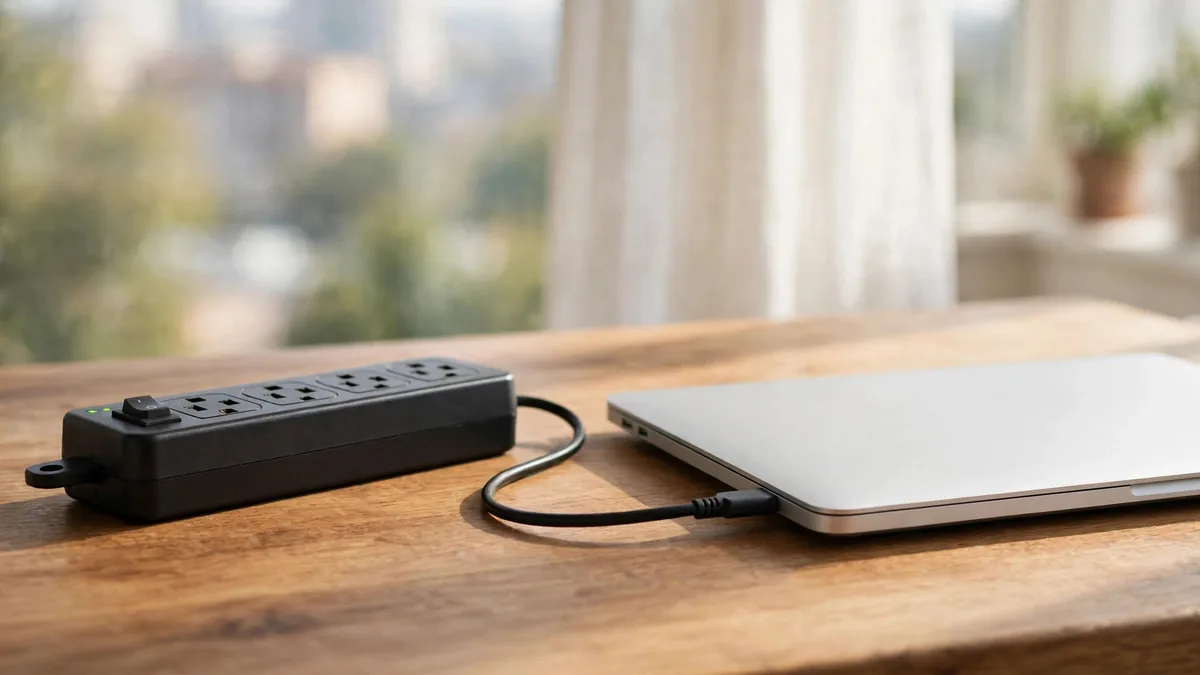
If you want to protect electronics from power surges, July and August are when it matters most. Monsoon storms bring lightning, sagging lines and transformers that trip and come back with a jolt. Add scheduled load-shedding, a generator or inverter changeover and a neighbourhood where everyone's air conditioner restarts at once, and the supply reaching your socket can swing well away from what a charger expects.
Most damage comes from a handful of moments: the second the power returns, a nearby lightning strike, a loose neutral in the building, or a cheap adapter that passes every spike straight through. This guide matches each risk to the right equipment, so you spend money on protection that fits your home.
Know which problem you are solving
Three different things get lumped together as "bad electricity", and each needs a different answer.
- Spikes and surges. Very short bursts of high voltage, often when supply returns after a cut or during a storm. A surge protector is designed for these.
- Low or high voltage that lasts. In some areas the supply sits low in the evening or climbs high late at night. A stabilizer (voltage regulator) is designed to correct this.
- No power at all. Load-shedding and tripped breakers. A UPS or inverter keeps equipment running or gives you time to shut down.
If your lights dim every evening, voltage is your main problem. If things only go wrong during storms or when electricity returns, spikes matter more. Watch your supply for a week before buying anything.
Surge protectors: what to look for
A proper surge protector is not the same as a multi-plug extension board. Many boards sold in local markets have a switch and a light but no surge-suppression parts inside. Look for a joule or energy rating, a clamping or let-through voltage figure, and an indicator that shows whether protection is still active. Surge-protection components wear out after absorbing hits, and a good unit tells you when it can no longer protect.
A few practical rules help:
- Check that the protector is rated for the local mains voltage and that its plug fits your socket without an adapter. A loose two-pin adapter defeats the earth connection that many protectors need.
- Ask the electrician to confirm your socket is actually earthed. Many surge protectors send excess energy to earth, and some older Lahore houses have sockets with no working earth wire at all.
- Replace a protector after a direct lightning event or when its protection light goes out, even if the sockets still give power.
A surge protector will not save equipment from a direct lightning strike to the building. During a serious thunderstorm, unplugging is still the safest option for anything you care about.
Stabilizers and laptops: when you need one
People often ask about a voltage stabilizer for laptop use. Apple's MacBook adapters, iPhone chargers and the power supplies inside consoles are generally designed to accept a wide range of input voltage, and Apple lists the input range on the adapter itself. Read the small print on your charger: if it shows a broad input range, it is already handling ordinary low-voltage evenings without help.
Where a stabilizer earns its place is with equipment that is less tolerant, like some televisions, older monitors, refrigerators and air conditioners, or in areas where voltage regularly goes far outside normal. If you buy one for a desk setup, size it for the total load with headroom, keep it ventilated, and remember that a stabilizer is not automatically a surge protector. Some include both functions; ask the seller to show you which.
UPS and inverter changeover
For load-shedding, a UPS gives you time to save work and shut down. A line-interactive or online UPS also smooths the supply while mains power is present. An inverter powers the whole house circuit during outages but may have a short changeover gap and, depending on the model, a less clean output.
For a PS5 or desktop setup, we cover sizing in detail in the UPS for PS5 guide. For laptops, the battery already acts like a built-in UPS, so the bigger risk is the moment the inverter or generator switches over. If your inverter is noisy when it changes over, keep the laptop running on its own battery during the transition and reconnect the charger once supply has settled.
Safe charging habits during monsoon and outages
Small habits prevent most charger damage:
- When the power goes, switch off at the wall or unplug high-value equipment such as consoles, desktops and televisions. Plug back in a minute or two after supply returns, once the initial spike and the rush of appliances restarting has passed.
- Avoid charging phones and laptops overnight on a socket you know is unstable. Charge during the day when you can see what is happening.
- Keep chargers dry. Monsoon humidity and a wet hand on a plug are a bad combination. Our monsoon guide for phones covers wet ports in detail.
- Do not leave a charger in a hot car or by a window; heat and surges together shorten its life. See protecting electronics from heat.
- Use original or properly certified adapters. A cheap copy often skips the protection circuitry that absorbs small spikes.
Signs of surge damage on chargers and devices
After a storm or a sudden return of power, check your equipment before assuming all is well:
- A charger that no longer works, works only at certain angles, or charges very slowly. The adapter may have taken the hit and protected the device.
- A burning smell, discoloured pins or a melted plug. Stop using it immediately.
- A phone or laptop that shows "accessory not supported" or stops recognising a cable that worked yesterday.
- A console or television that will not power on, or only powers on after being unplugged for some time.
- A MacBook that stops charging on one port but charges on another. That points to port or board damage rather than the adapter.
If the device itself shows symptoms, get it diagnosed before plugging in another charger, so you do not repeat the damage.
What it means for buying used
Load shedding damage is a real concern in the used market. When you inspect a second-hand laptop, console or phone, test it with a known-good original charger, try every port, and ask whether the seller has replaced the adapter recently. A brand-new aftermarket charger on an older device can be a sign the original died. It is not proof of a problem, but it is a reason to test charging carefully.
MacVault product pages list condition, specifications and package details where available. If you need an original adapter or cable, browse accessories and cables, and message on WhatsApp to confirm which charger suits your device before you pay.
Frequently asked questions
Is a surge protector enough during a thunderstorm?
It handles ordinary spikes, but it cannot stop a direct lightning strike to the building or the overhead line. When a heavy storm is overhead, unplugging consoles, desktops and televisions from the wall is the safest choice.
Do I need a stabilizer for my MacBook charger?
Usually not for ordinary low-voltage evenings, because Apple adapters accept a wide input range printed on the adapter. A stabilizer helps if your area's voltage swings far outside normal, but pair it with surge protection rather than relying on it alone.
Can a power surge damage a phone that was only charging?
Yes. The adapter usually takes the worst of it, but a spike can pass through a cheap charger and damage the charging port or the board. Using an original adapter and avoiding unstable sockets reduces the risk.
Business: MacVault
Price Range: Expected price ranges confirmed before purchase
Phone: +92 339 4004289
Description: Browse iPhones, MacBooks, iPads, Apple Watch, AirPods, and PS5 products from MacVault in Lahore with clear condition, warranty, and stock details.
+92 339 4004289 <contact@macvault.store>