
Start investigating MacBook overheating by looking at what the computer is doing when it gets hot. A machine exporting video near a sunny window has an obvious workload and heat source. A laptop that gets unusually warm with the lid open and no active task needs a closer look. Move it to a cooler room, put it on a stable surface and note whether the symptoms change.
If the case is deformed or the trackpad has started lifting, stop using and charging the Mac and arrange an inspection. If the machine looks normal, start with software activity and placement before deciding it needs a repair.
Check what's running before touching the hardware
Open Activity Monitor, choose CPU and sort by CPU use. Watch for a process that stays busy when you would expect the laptop to be idle. A video export or an app processing a large photo library can explain a busy Mac. A browser tab or task that keeps using the processor after the work should be over is a different clue. Save your work and close a known app or tab normally, then watch whether activity drops. Avoid force quitting unfamiliar system processes without checking what they do.
After a system update or a large transfer, the Mac may perform background tasks. Give it time to finish in a ventilated place. If a particular app repeatedly causes the problem, check for updates and test a smaller job in that app. Keep notes on when it happens and whether it continues after a normal restart. Those notes help if you need to reproduce it later.
Test one change at a time. If you move the laptop and close five apps together, you'll know only that something improved. Compare CPU activity in the same room before and after closing a busy app. Then repeat the task on a better work surface.
Give the laptop and adapter room to cool
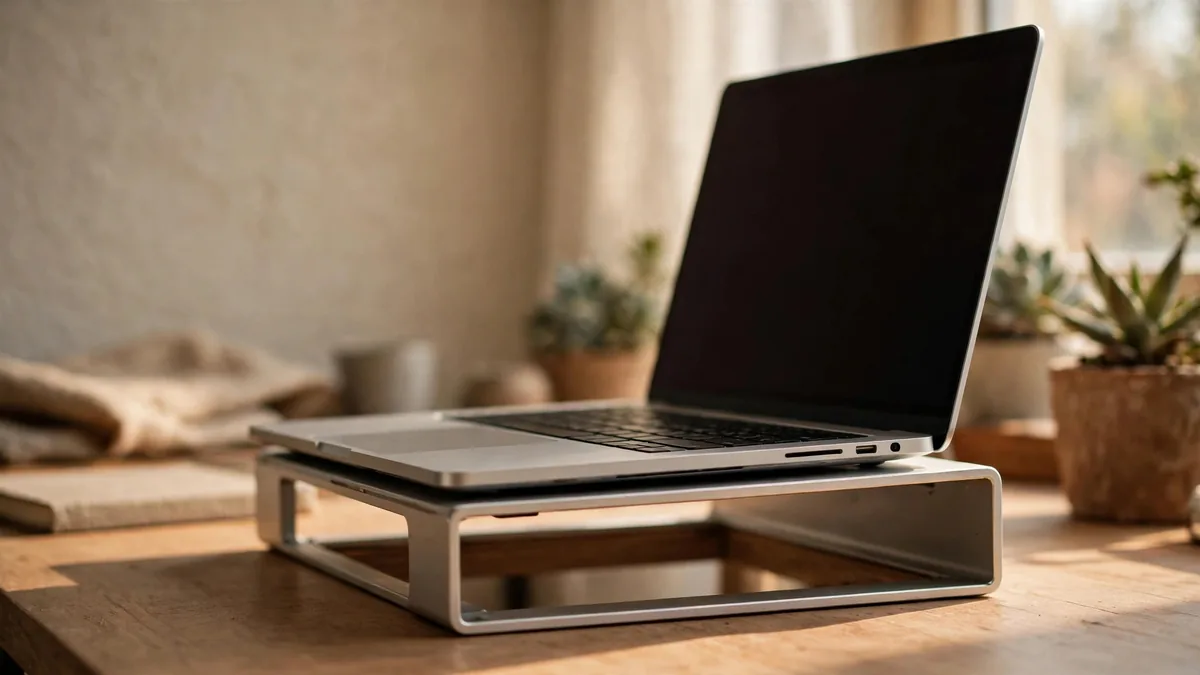
Apple's Mac temperature guidance recommends a stable work surface with ventilation and an ambient range of 10 to 35 degrees Celsius. A bed or blanket can reduce airflow and trap warmth. Use a desk or a solid tray if you move to another room during load-shedding. Keep the adapter uncovered too. A simple stand can improve the arrangement if it supports the Mac without blocking openings.
Watch where afternoon sun lands. Move the laptop away from a window and don't leave it in a parked car. If the room is already outside the operating guidance, let the Mac cool and move somewhere suitable before starting a demanding task. An external fan aimed across the desk doesn't make all temperatures safe. See the summer electronics guide if other devices share the same space.
If you charge while editing or gaming, note whether the machine behaves differently unplugged under the same task. That can help you describe the problem, though performance settings may also change on battery. Use a suitable charger and check its condition before treating it as part of the diagnosis.
Read fan noise and slowdown in the context of the model
A fanless Apple silicon Air doesn't make fan noise. It can still feel warm and manage performance during a long load. A MacBook Pro with fans may become audible while cooling itself. Our Air versus Pro comparison explains why repeating an export can reveal more about sustained work than opening an app once.
If a fan-equipped Mac makes a new grinding noise or stays unusually loud after the workload ends, note the activity and room conditions. If a Mac repeatedly shuts down during ordinary work, get help rather than trying to provoke another shutdown. Heat alone doesn't establish that the battery is faulty. A service message, a deformed case or abnormal charging behaviour is additional evidence to report.
If you are buying used, test an ordinary workload from a cold start. A seller who demos only a desktop on a charger hasn't shown what happens during the work you intend to do. Check battery information and ask about previous repairs. See the MacBook battery cycle guide for interpreting those readings.
Decide whether the issue needs service
If improving placement and closing the workload resolves the problem, keep the new arrangement and monitor it during normal use. If it returns in suitable conditions, tell the service provider the model, task, charger and what happened before the warning or shutdown. Stop using a visibly swollen or damaged laptop rather than opening it or pressing its case flat.
If repair is costly or the machine no longer fits your work, compare with a replacement in MacVault's Mac selection and confirm today's price for the configuration you would buy. Compare a service estimate and a like-for-like replacement before deciding.
Frequently asked questions
Why is my MacBook Air hot if it has no fan?
A fanless laptop still generates heat while working. Check the task, room temperature and surface before deciding the warmth indicates a fault.
Should I force quit everything when the Mac feels warm?
Save your work and identify which apps are busy. Close a known app normally if you can, and avoid ending unfamiliar processes just because their names appear in Activity Monitor.
What if the trackpad feels raised as the Mac heats up?
Stop using and charging it and ask a qualified provider to inspect it. Avoid pressing the trackpad down or trying to open a possibly swollen battery yourself.
Business: MacVault
Price Range: Expected price ranges confirmed before purchase
Phone: +92 339 4004289
Description: Browse iPhones, MacBooks, iPads, Apple Watch, AirPods, and PS5 products from MacVault in Lahore with clear condition, warranty, and stock details.
+92 339 4004289 <contact@macvault.store>