
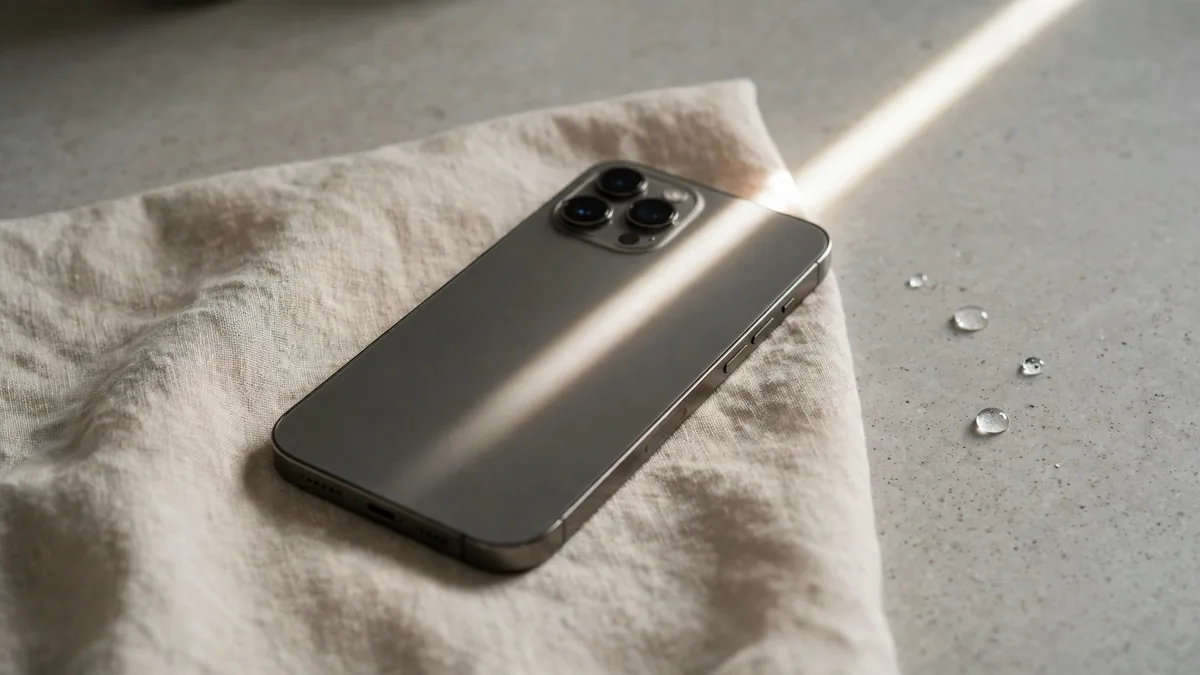
Monsoon rain in Lahore turns a short bike ride or a walk from the car into a soaking, and iPhone water damage becomes a real worry for a few weeks every year. The good news is that modern iPhones handle a splash far better than older ones. The bad news is that "water resistant" is a lab rating, not a promise, and liquid damage is not something a standard warranty will pay for.
This guide covers three situations: what the rating on your phone actually means, what to do in the first hour after your iPhone gets wet, and how to look for signs of iPhone water damage before you buy a used handset during the rainy months.
What the IP rating really tells you
So, is iPhone waterproof? No. Apple calls its phones splash, water and dust resistant, and gives each model an IP rating. The iPhone 12 through iPhone 17 families are rated IP68, and Apple quotes a maximum depth of 6 metres for up to 30 minutes for those models. Older phones were rated for shallower depths, and the iPhone 8 and X were IP67. You can see the figure for current and recent models on Apple's iPhone comparison page.
Three things that rating does not cover matter a lot in Pakistan:
- Age and wear. Apple states that resistance is not permanent and can decrease with normal wear. A three-year-old phone that has been dropped is not the phone that passed the test.
- Repairs. Once a screen or back glass has been opened, the seal depends on the adhesive the repairer used. A Hafeez Centre screen job may look perfect and still let water in.
- Other liquids. The tests use still fresh water. Muddy street water, a cup of chai or a swimming pool are different, and Apple tells owners to rinse a phone with tap water if it meets anything other than water.
Treat the rating as protection against accidents, not as permission to use the phone in the rain on purpose.
The first hour after your iPhone gets wet
What you do straight away matters more than any trick you read online. Work through these steps in order:
- Unplug it. If the phone was charging, disconnect the cable and adapter, and keep it off the charger.
- Wipe the outside. Use a soft, lint-free cloth. Take the phone out of its case, because a case traps water against the frame and around the port.
- Tap out the port. Hold the phone with the USB-C or Lightning port facing down and tap it gently against your palm.
- Let it air dry. Leave it somewhere dry with a bit of airflow, such as under a ceiling fan.
- Wait before charging. Apple suggests waiting at least 30 minutes, and longer if the alert comes back.
Equally important is what not to do. Apple specifically advises against drying the phone with a hair dryer or other heat source, against pushing cotton buds or tissue into the port, and against compressed air. The bowl of rice that everyone's uncle recommends is also on Apple's list of things to avoid, because small grains and starch can end up inside the port.
When you see "Liquid Detected"
Recent iPhones with a Lightning or USB-C port can warn you when they sense moisture in the connector. The iphone liquid detected alert appears when you plug in a cable or accessory, and it stops charging through that port to protect the pins from corrosion.
When it appears, unplug, follow the drying steps above and try again after half an hour. If the alert keeps coming back, the port may still hold moisture, so leave the phone for up to a day. Use the Emergency Override button only if you truly need power, such as during load-shedding. Charging a wet port is how corrosion starts.
If you have a MagSafe or Qi wireless charger, Apple notes that wireless charging can still work while the port is wet, once the back of the phone is dry. That is a useful way to keep the phone alive without risking the port.
Signs that water got inside
Some damage shows up days later, so watch your phone for a week after a soaking. Warning signs include:
- Fog or droplets under the camera lenses or the display.
- Blotches, lines or a yellowish patch on the screen.
- A speaker or microphone that stays muffled after the phone is fully dry.
- Face ID suddenly failing, or the flash not firing.
- Random restarts, rapid battery drain, or the phone getting warm while idle.
- Charging that works on one cable and fails on another, or keeps cutting in and out.
If any of these appear, back up immediately while the phone still works. Then take it to a repair shop you trust and ask for a written diagnosis before agreeing to any work.
Used iPhone water damage check before you buy
Monsoon season also brings dunked-and-dried phones onto OLX. A used iphone water damage check takes ten minutes and can save you from a phone that dies a month later.
Start with the Liquid Contact Indicator. Apple puts a small indicator inside many iPhones, usually visible in the SIM tray slot. It looks white or silver when dry and turns red after contact with water or another liquid. Ask the seller to remove the SIM tray and shine a torch into the slot. A red indicator is not proof the phone is broken, but it tells you water got past the seals at some point.
Then test the parts water tends to ruin:
- Look at each camera lens from an angle for fog or spots.
- Play a video at full volume and record a voice memo, then play it back.
- Try Face ID and the front camera.
- Plug in your own cable and watch for a Liquid Detected alert or charging that stops.
- Check Settings, General, About for Parts and Service History, and ask about any repair listed.
- Look at the screen on a white page for blotches near the edges.
Ask the seller directly whether the phone has ever been wet or repaired, and get the answer in a message. Our used iPhone buyer's guide for Lahore covers the rest of the inspection, from PTA status to iCloud lock.
Frequently asked questions
Does Apple warranty cover iPhone water damage?
No. Apple's limited warranty does not cover liquid damage, even on IP68-rated models. Some paid AppleCare plans include accidental damage service for a fee, but availability depends on where the phone was bought, so check the coverage on Apple's site.
Is it safe to take my iPhone out in monsoon rain?
Short exposure to rain is the kind of accident the rating is designed for, especially on newer models. Keep it in a pocket or bag where possible, avoid using it in heavy rain, and dry it before charging. Older or repaired phones deserve more caution.
Can a phone with a red liquid indicator still be a good buy?
Sometimes, if everything tests well and the price reflects the risk. Corrosion can appear later, though, so many buyers simply walk away. If you go ahead, get the seller's description of the history in writing.
Buying a phone this rainy season
If you would rather not gamble on a phone with an unknown history, browse the MacVault iPhone range and ask on WhatsApp for current photos of the exact unit, including the SIM tray slot. Read the warranty terms for that unit before paying, since coverage differs from phone to phone.
Business: MacVault
Price Range: Expected price ranges confirmed before purchase
Phone: +92 339 4004289
Description: Browse iPhones, MacBooks, iPads, Apple Watch, AirPods, and PS5 products from MacVault in Lahore with clear condition, warranty, and stock details.
+92 339 4004289 <contact@macvault.store>