
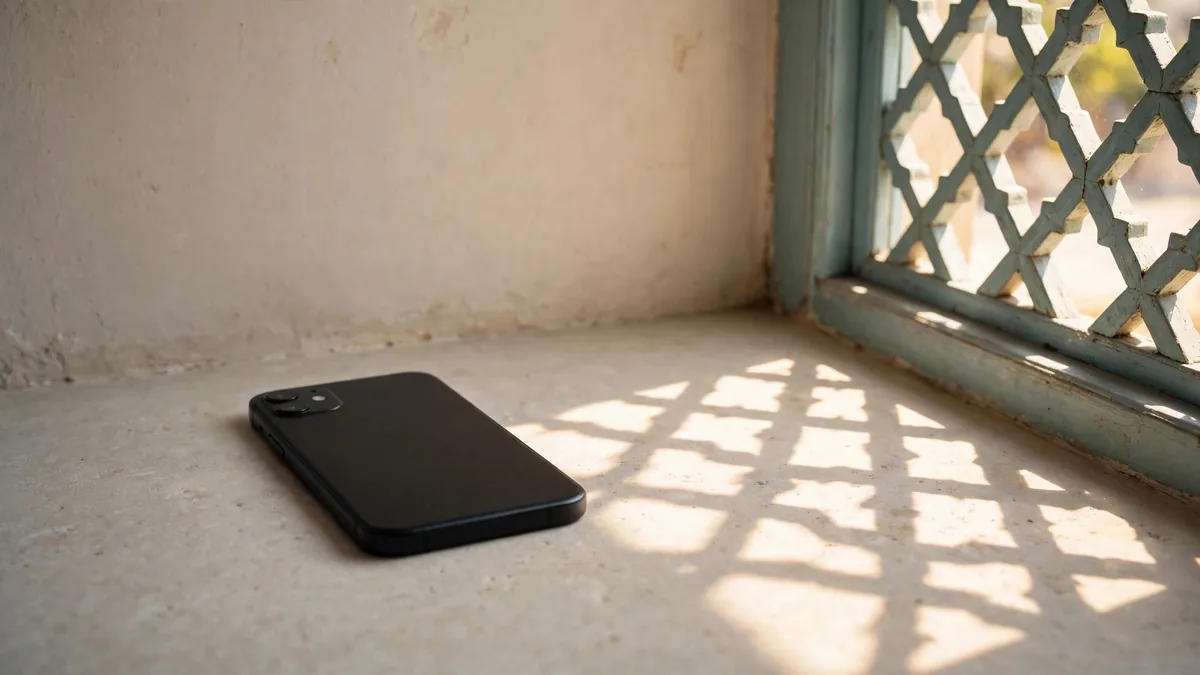
iPhone overheating can turn a routine drive in Lahore into a blank map and a phone that stops charging. The windscreen mount puts the phone in direct sun while navigation, mobile data and charging are all running. If the iPhone displays a temperature warning, stop using it when you can do so safely, disconnect it and move it out of the heat. Let it return to a normal temperature before trying again.
A phone feeling warm during a task is a different situation from a temperature warning, repeated shutdowns or heat while it is idle in a cool room. Work out which of those you are seeing before replacing a charger or assuming the battery is failing.
Read the warning before trying another app
Apple's temperature guidance describes an ambient operating range of 0 to 35 degrees Celsius. The number refers to the surrounding air, not a temperature you can check by touching the phone. A parked car or direct sun can expose the device to hotter conditions than the air outside suggests.
The phone may dim the screen, reduce performance or slow or pause charging as it manages temperature. If it displays a temperature warning, Apple advises turning it off, moving it to a cooler place and letting it cool. Choose shade or a normally cool room. Avoid a fridge, freezer or ice pack. A rapid temperature change and moisture add another risk to a phone you are trying to protect.
When driving, pull over safely before handling the phone. If the navigation screen went dark, give the device time to recover before relying on it for the rest of the trip. For a route you travel often, try a mount away from direct sun and avoid leaving the phone on the dashboard when you park.
Change one charging habit at a time
If the warning appears during charging, note whether you were also recording video, playing a game or running a hotspot. Let the phone cool, then try charging in a ventilated place without that workload. Use a suitable adapter and cable in good condition. If you normally charge wirelessly, try a cable for comparison and keep the phone out of direct sun. See our iPhone charger guide for choosing and checking an adapter.
Take off a thick case temporarily if you can do so safely and want to see whether the phone behaves differently. A case can change how heat escapes, but removing it won't fix a battery or charging fault. Avoid covering the phone with a pillow, putting it under clothing or charging it in a closed bag. When mains power returns after load-shedding, use a clear surface with airflow rather than putting several charging devices in a pile.
A brief charging pause in a hot room can be a protective response. If it repeats in a cool place with a known working charging setup, note which charger and cable you used and whether the phone was idle. That evidence is more helpful than repeatedly unplugging it and trying again with random accessories.
Distinguish a demanding task from an unexplained change
Setup, restoring a backup, updates, gaming and recording can make a phone warm for a while. Watch whether it cools after the task finishes. If you are moving data to a new phone, keep it out of the sun and give it time to finish syncing before using that first hour as a battery test.
If the iPhone is repeatedly hot when idle in a cool place, gets much hotter than it used to during a simple task or shuts down unexpectedly, arrange an inspection. Check the battery health screen for a service message and keep a note of what preceded the problem. Our iPhone battery health guide explains what the displayed reading can tell you. Don't try to diagnose battery damage from the percentage alone.
Stop using and charging a phone with a swollen case, lifted display or other signs of battery damage. Have a qualified provider inspect it. Avoid pressing the screen back into place or opening the phone yourself.
If you're buying used during summer, test in normal conditions
Ask the seller to demonstrate the phone away from direct sun and unplugged. Try a short call, a camera clip and normal browsing. Then connect the charger and check that it behaves consistently. If a warning returns in ordinary conditions, leave the purchase pending until the problem is explained. A seller's assurance that every iPhone does the same thing isn't a substitute for checking the unit.
Browse MacVault's iPhone selection if you need a replacement and confirm today's price for the exact model and battery condition. Compare the cost of a sound handset with a service quote for the phone you already own before deciding.
Frequently asked questions
Should I put a hot iPhone in front of ice?
Move it away from the heat and let it cool in a normally cool place. Avoid ice, freezers and other methods that can introduce moisture or a rapid temperature change.
Why did my iPhone stop charging in the car?
Charging can pause if the phone is too hot. Move it out of direct sun and let it cool, then check the cable and adapter if charging trouble continues in normal conditions.
When should I have the battery inspected?
Get help if heat keeps returning during light use in a cool place, the phone shuts down unexpectedly or there are signs of swelling or damage. A temperature warning in a hot car alone does not identify a battery fault.
Business: MacVault
Price Range: Expected price ranges confirmed before purchase
Phone: +92 339 4004289
Description: Browse iPhones, MacBooks, iPads, Apple Watch, AirPods, and PS5 products from MacVault in Lahore with clear condition, warranty, and stock details.
+92 339 4004289 <contact@macvault.store>