
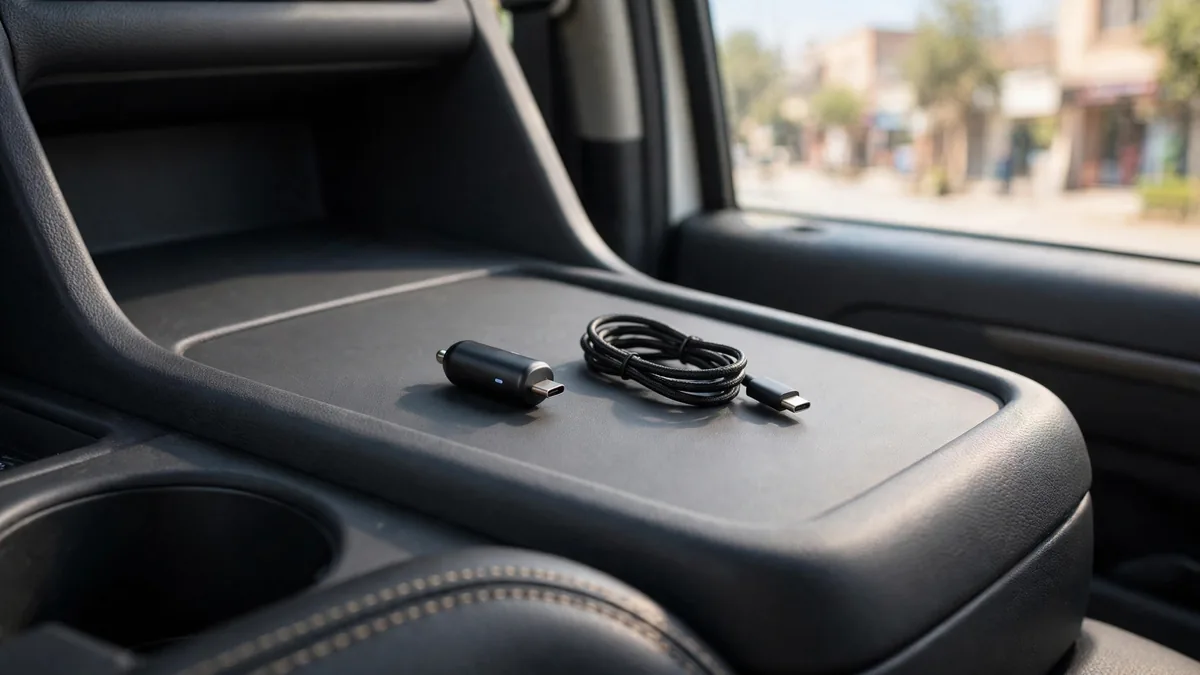
If you are searching for iPhone car charger Pakistan, start with the port in your car and the cable your phone uses. A long drive can mean navigation and calls while the phone is charging, so plan where the phone will sit away from direct sun.
This guide covers what to look for: the right wattage, the port type, how to mount the phone, and how to avoid overheating your iPhone in a hot car.
Start with your iPhone's port
The iPhone 15, 16 and 17 families and iPhone Air use USB-C. The iPhone 14 family uses Lightning. Check the port on your own phone before buying the cable.
- USB-C iPhones: use a USB-C car charger with a USB-C to USB-C cable.
- Lightning iPhones: use a USB-C car charger with a USB-C to Lightning cable to get fast charging. An old USB-A port with a USB-A to Lightning cable will charge, but slowly.
If your car's built-in USB port is the only option, expect slow charging. Many factory ports in older cars deliver low power, and while navigating with the screen on, your battery may barely move.
How much wattage you need for fast charging
iPhone fast charging works through USB Power Delivery (USB PD) over a USB-C connection. Apple's own guidance for fast charging calls for a USB-C power adapter of 20W or more, and Apple lists the fast-charge figures for each model on its tech specs pages.
For a car charger, look for:
- At least 20W on the USB-C port for a single iPhone.
- USB PD printed on the charger or its box. Without PD, the iPhone falls back to slower charging.
- Enough total power for two devices if you plan to charge a second phone or AirPods. Many dual-port chargers split their total output when both ports are in use, so the headline number is not what each port gets.
More watts than your iPhone needs is safe. The phone only draws what it can use. The problem is chargers that claim a high number on the label but cannot deliver it, or deliver it unsteadily.
USB-C versus USB-A in the car
USB-A ports are the older rectangular ones. They are fine for a slow top-up but rarely support iPhone fast charging. A charger with one USB-C and one USB-A port is a sensible compromise if passengers still have older cables.
If you buy one charger for the long term, choose USB-C. Every new iPhone, iPad and pair of AirPods now uses it, so the same charger and cable will cover most of your devices for years. Our guide to original iPhone cables explains how to spot cables that will not carry fast charging reliably.
MagSafe car mounts: convenient but warmer
A MagSafe car mount can hold a compatible iPhone with magnets, so you can snap the phone on and off with one hand. Check the exact model, especially the iPhone 16e, which supports Qi charging without built-in MagSafe magnets. Some mounts only hold the phone, while others also charge it wirelessly.
Wireless charging is convenient but less efficient than a cable, and some of that lost energy becomes heat. In a parked car or under direct sun through the windscreen, a charging mount can push the phone's temperature up quickly. If you use a MagSafe charging mount, place it on an air vent where the AC can cool the back of the phone rather than high on the dashboard.
Check that any case you use is MagSafe compatible. A thick or non-magnetic case can make the phone slip off the mount on Lahore's bumpy roads. For more on magnetic charging, see our MagSafe charger guide.
Heat is the real risk in a Pakistani summer
Apple says iPhone works best between 0 and 35 degrees Celsius ambient temperature. A car parked in the sun in June can be far hotter than that inside. When the iPhone gets too warm, it may pause or slow charging, dim the screen or show a temperature warning until it cools down.
Practical habits that help:
- Never leave your iPhone on the dashboard or seat of a parked car in the sun.
- Start the AC for a minute before you mount and charge the phone.
- Prefer a vent mount over a windscreen or dashboard mount in summer.
- If you need navigation and charging on a long trip, use a cable rather than wireless charging.
- Take the phone out of a thick case if it feels hot while charging.
- If iOS shows a temperature warning, unplug the phone, move it out of the sun and wait.
Repeated heat stress is one of the main reasons battery health drops faster than expected, so these small habits pay off.
Signs of a poor quality car charger
- The iPhone shows "Accessory not supported" or charging starts and stops.
- The charger feels very hot to touch after a short drive.
- The plug fits loosely in the socket and loses contact over bumps.
- There is no brand, rating or safety marking on the body.
- Fast charging never appears to work even with a known good USB-C cable.
If you see these signs, replace the charger. A failing adapter is not worth risking the phone or the car's socket.
Frequently asked questions
Can I use my iPhone wall charger in the car?
Not directly. A wall adapter plugs into a mains socket, and the car's socket supplies a different, lower voltage. You need a car charger that plugs into the 12V socket, though you can use the same USB-C cable for both.
Does fast charging in the car damage the iPhone battery?
Fast charging through a good USB PD charger is designed into the iPhone and is not harmful on its own. Heat is the bigger concern. Keep the phone cool while it charges, and iOS also manages the charging speed as the battery fills.
Will a MagSafe car mount work with a non-MagSafe case?
Usually not reliably. The magnets need a direct connection or a MagSafe compatible case. A regular case adds distance and the phone may fall off on rough roads.
Next step
Match the charger to your iPhone's port and your car before you buy. Browse MacVault's accessories collection for chargers and mounts, and check cables if you need a fresh USB-C or Lightning cable for the car. Message MacVault on WhatsApp with your iPhone model to confirm what will fast charge it and today's price.
Business: MacVault
Price Range: Expected price ranges confirmed before purchase
Phone: +92 339 4004289
Description: Browse iPhones, MacBooks, iPads, Apple Watch, AirPods, and PS5 products from MacVault in Lahore with clear condition, warranty, and stock details.
+92 339 4004289 <contact@macvault.store>