
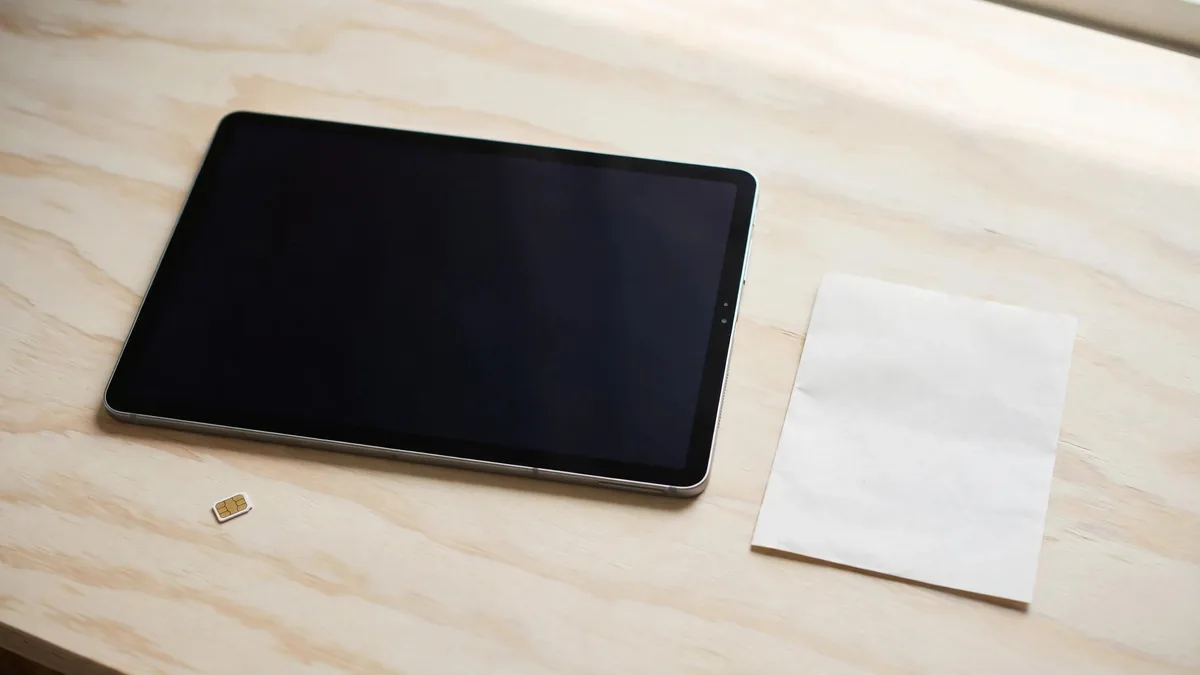
If a listing says iPad PTA approved, find out whether the tablet has cellular hardware. A Wi-Fi-only iPad joins a router or a hotspot and has no cellular connection of its own to register. A Wi-Fi + Cellular iPad can use mobile data if the model, local network service and registration status allow it. Sellers sometimes put the same words on both kinds of listing. Ask for the exact model before treating the phrase as a reason to pay more.
Start with where the iPad will be used. A tablet for home, class or an office with reliable Wi-Fi can be a simpler purchase than one expected to connect on its own outside.
Identify the model from Settings or the label
On an open iPad, go to Settings, General, About and check the model name and model number. Look for cellular details such as an IMEI. Compare the exact number with Apple's iPad model identification guide. With a sealed offer, ask for the model on the box label and have the seller state the connectivity type in writing. Agree on how you will handle a mismatch after opening.
A missing SIM tray doesn't settle the question. Some cellular models use eSIM, so confirm the exact variant before assuming an iPad without a tray is Wi-Fi only. Ask the seller to show the model rather than trying to infer it from the shape of the case. Our iPad A16 guide explains why that distinction matters on one common base model.
If an offer quotes a Wi-Fi iPad as though it includes mobile data, ask the seller to explain how it connects away from Wi-Fi. Using your phone as a hotspot is a valid option. It doesn't make the tablet a cellular model or give the iPad its own mobile plan.
Verify the status for a cellular model
For an iPad with an IMEI, use PTA's DIRBS site and follow the device verification instructions. Read the identifier from the tablet where possible and confirm that it matches the unit on the paperwork. A screenshot for another device cannot establish the status of the iPad in front of you. The IMEI verification guide covers how to match the official result to a specific device.
If the result shows it isn't registered, ask PTA about eligibility and the current process before including registration in your budget. Do not assume the rules or charges for another device apply to the tablet. If the seller says approval will come after payment, ask who will complete it and what written remedy applies if the status doesn't change. A working Wi-Fi demo doesn't test mobile data.
Check the mobile provider separately. Ask whether it can provision the exact imported model and whether your preferred plan supports tablet data. If possible, try mobile data with Wi-Fi off before buying an open unit. The device being registered and the provider being able to activate your chosen service are two different checks.
Compare the extra cost with the places you need data
A student who downloads notes on campus and reads them at home may only need Wi-Fi. If a phone hotspot works during the occasional trip, try that routine before buying a cellular model. See whether you can stay connected where you need it and whether sharing the connection drains the phone faster than you want.
For work away from Wi-Fi, an independent connection can be useful. For example, a person taking orders or updating records at several sites may need the iPad to connect when their phone isn't available to share data. Compare the cellular unit, plan and any registration needed against the cost of a Wi-Fi model. Test coverage in the places you expect to use it, not just at the shop.
If you're buying a non-PTA cellular iPad for Wi-Fi use alone, record that decision. It can still work on Wi-Fi, but don't assume a future owner will accept the same limitation. Compare today's price with a Wi-Fi-only model at the same capacity and condition. If you won't use the cellular hardware, a clear Wi-Fi offer may be easier to assess and describe when reselling.
Ask for the configuration on the receipt
List the generation, storage, connectivity and condition. If registered cellular service is part of the offer, ask the seller to identify the unit and state that claim in writing. For a used device, complete the account handover and test the display and charging too. A verified network status does not tell you whether the tablet has a weak battery or is still linked to another owner.
Browse MacVault's iPad selection and confirm today's price for the version you actually want. Ask for comparable Wi-Fi and cellular quotes if you are undecided. Once the storage and condition match, you can see how much the independent connection would add and decide whether you'll use it enough.
Frequently asked questions
Does an iPad using a phone hotspot need its own PTA registration?
A Wi-Fi-only iPad connects to the hotspot over Wi-Fi. The phone provides the cellular connection. If the iPad has its own cellular hardware, verify its status separately before trying to use that feature.
Can a cellular iPad work on Wi-Fi if it isn't registered?
Yes, Wi-Fi and cellular data are separate connections. Check the unit's other functions and compare its price with a Wi-Fi-only model if that is the only way you intend to use it.
Is a seller's PTA screenshot enough for a courier order?
Ask which identifier was checked and agree how you'll match it to the tablet when it arrives. Run the official check yourself and make sure the written terms cover a mismatch.
Business: MacVault
Price Range: Expected price ranges confirmed before purchase
Phone: +92 339 4004289
Description: Browse iPhones, MacBooks, iPads, Apple Watch, AirPods, and PS5 products from MacVault in Lahore with clear condition, warranty, and stock details.
+92 339 4004289 <contact@macvault.store>