
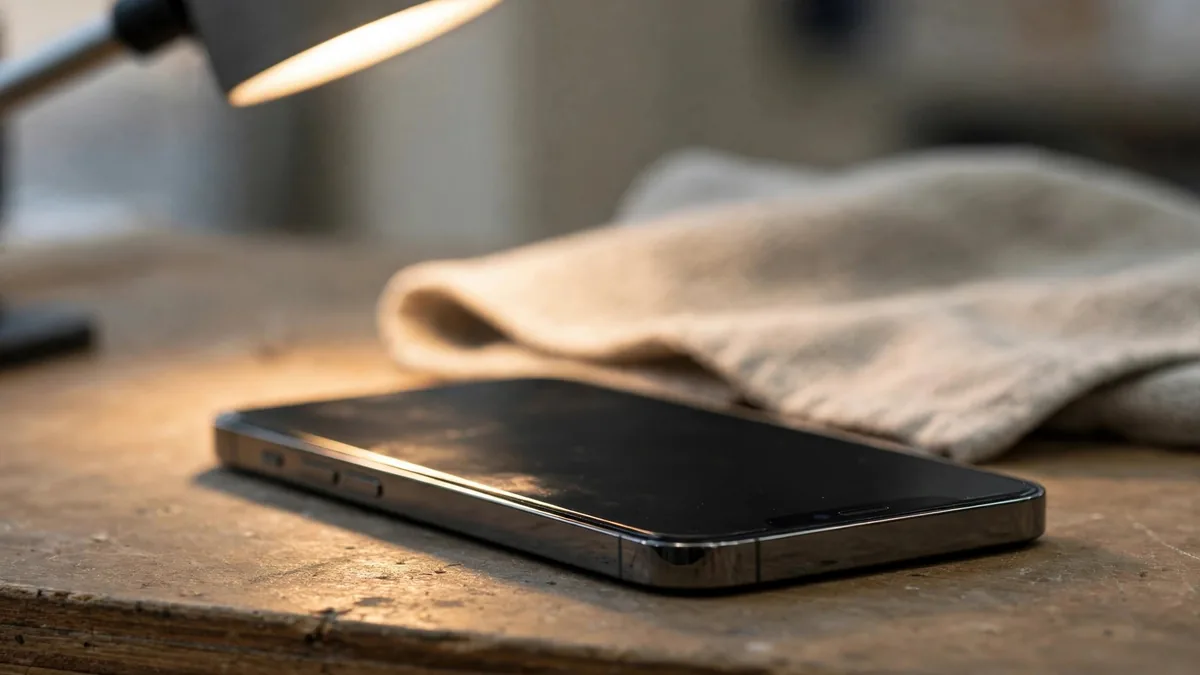
A used iPhone can look perfect, boot fine and still have a dead Face ID. Face ID not working used iPhone is one of the most common hidden faults in the Lahore second-hand market, and it is easy to miss when you are standing in a busy shop at Hafeez Centre or meeting an OLX seller outside a bank. If Face ID is not working on a used iPhone, you lose more than a convenience: you type your passcode dozens of times a day, banking apps fall back to slower logins, and the phone is worth noticeably less when you sell it.
This guide covers how to run a proper Face ID check before buying, why the fault usually follows screen or water damage, and how to think about price and repair if a seller admits the problem. It sits alongside our used iPhone buyer's guide for Lahore, which covers the full handover from start to finish.
What Face ID actually depends on
Face ID is not just the front camera. It uses the TrueDepth camera system in the notch or Dynamic Island area: a dot projector that throws an invisible pattern on your face, a flood illuminator, an infrared camera and a proximity sensor. These parts are paired to the phone's logic board at the factory.
That pairing is the key point for buyers. If one of these parts is damaged or swapped for a part from another phone, Face ID usually stops working, even when the selfie camera still takes normal photos. So a seller showing you a clear selfie proves nothing about Face ID.
How to test Face ID at handover
Do this yourself, with the seller's account fully signed out. A five-minute test catches almost every problem.
- Set up Face ID from scratch. Go to Settings, then Face ID & Passcode, and choose Set Up Face ID (or Reset Face ID first if one is saved). The scan should start straight away and complete both rotations without errors.
- Watch for warning messages. Messages such as "Face ID is not available" or a note that a problem was detected with the TrueDepth camera mean the hardware is faulty. Do not accept "it will work after an update".
- Lock and unlock ten times. Lock the phone, raise it and swipe up. It should unlock quickly almost every time, in shop light and in a darker corner.
- Test with glasses or a mask if you use them. On models that support Face ID with a mask, set it up and test it, since many buyers in Pakistan rely on it.
- Check Attention Aware features. In the same settings screen, turn on Require Attention for Face ID. Look away and try to unlock; it should refuse.
- Test the proximity sensor. Make a short call and hold the phone to your ear. The screen should go dark, then light up when you move it away.
- Try Portrait mode on the front camera. Selfie Portrait mode and Memoji in Messages use TrueDepth depth data. If they glitch or refuse to track your face, be suspicious.
Read Parts and Service History
On newer iPhones running a recent iOS, go to Settings, then General, then About, and look for a Parts and Service History section. It can show a display, battery or camera that is not a genuine Apple part or was not set up properly.
A display message does not automatically mean Face ID is broken, but it tells you the phone has been opened near the TrueDepth parts. Read that section together with your hands-on test, never instead of it. If the section is missing, that simply may mean nothing was flagged, so the physical test still matters most.
Why Face ID fails on used iPhones
A drop, liquid exposure or damage during a repair can affect the TrueDepth system. A working selfie camera only tells you that the phone can still take a picture. If Face ID fails, ask what happened before the fault appeared and price the phone on the assumption that you'll have to use a passcode.
What a broken Face ID does to value
There is no fixed deduction, because prices move daily and depend on model, storage and PTA status. But a phone without working Face ID sells for clearly less than an identical one with it, and it is slower to resell. Buyers who know the market will also ask what else went wrong.
Points that should shape your offer:
- Is the cause known? "Dropped once, never opened" is a different risk from "screen changed at a local shop".
- Has it been repaired already? Ask who did it and whether any paperwork exists.
- Is the rest of the phone clean? Check the iCloud and Activation Lock status, battery health and network registration before you even discuss price.
- Who is the phone for? For a parent who will use a passcode anyway, a lower price may be a fair trade. For your own daily phone, it is usually a poor deal.
Can Face ID be repaired in Lahore?
Some Lahore repair shops offer Face ID repair, usually by repairing the dot projector or moving the original parts carefully onto a new flex. Results vary a lot with the technician and the exact fault. Some phones come back fully working; others work for a while, or not at all.
The most reliable route is Apple's own repair through an Apple authorised service provider where one is available, but that can be costly and is not always possible for imported or non-PTA units. Before you buy a phone planning to fix Face ID later, get a firm repair quote first. Many buyers find the repair plus the purchase price is close to what a clean phone would have cost.
Frequently asked questions
Can a software update fix Face ID not working on a used iPhone?
Rarely. Updates fix software glitches, but most Face ID faults on used phones are hardware: a damaged dot projector, torn flex cable or swapped part. If Face ID will not even enrol, assume hardware until a proper repair shop proves otherwise.
Does a replaced screen always break Face ID?
No. A careful screen replacement can keep Face ID working, because the sensors themselves are not part of the glass. The risk comes from rushed work and copy panels. Always run the full setup test on any phone with a replaced display.
The front camera works, so why does Face ID fail?
The selfie camera and the Face ID sensors are separate parts in the same area. The infrared camera or dot projector can fail while the normal camera keeps working, so a good selfie is not a Face ID check.
Is it safe to buy an iPhone with Face ID disabled at a low price?
It can be, if you accept living with the passcode and the rest of the phone checks out. Price it as a phone with a known fault, assume resale will be harder, and make sure the seller writes down that Face ID does not work so there is no dispute later.
Buying with fewer surprises
Every iPhone listed on the MacVault iPhone page shows its condition, PTA status and battery details where available. Before paying, message MacVault on WhatsApp and ask for a current video of Face ID being set up on the exact unit, or arrange to test it yourself where Lahore pickup is available. Our warranty page explains how coverage differs from unit to unit, so get the terms for your phone in writing.
Business: MacVault
Price Range: Expected price ranges confirmed before purchase
Phone: +92 339 4004289
Description: Browse iPhones, MacBooks, iPads, Apple Watch, AirPods, and PS5 products from MacVault in Lahore with clear condition, warranty, and stock details.
+92 339 4004289 <contact@macvault.store>