
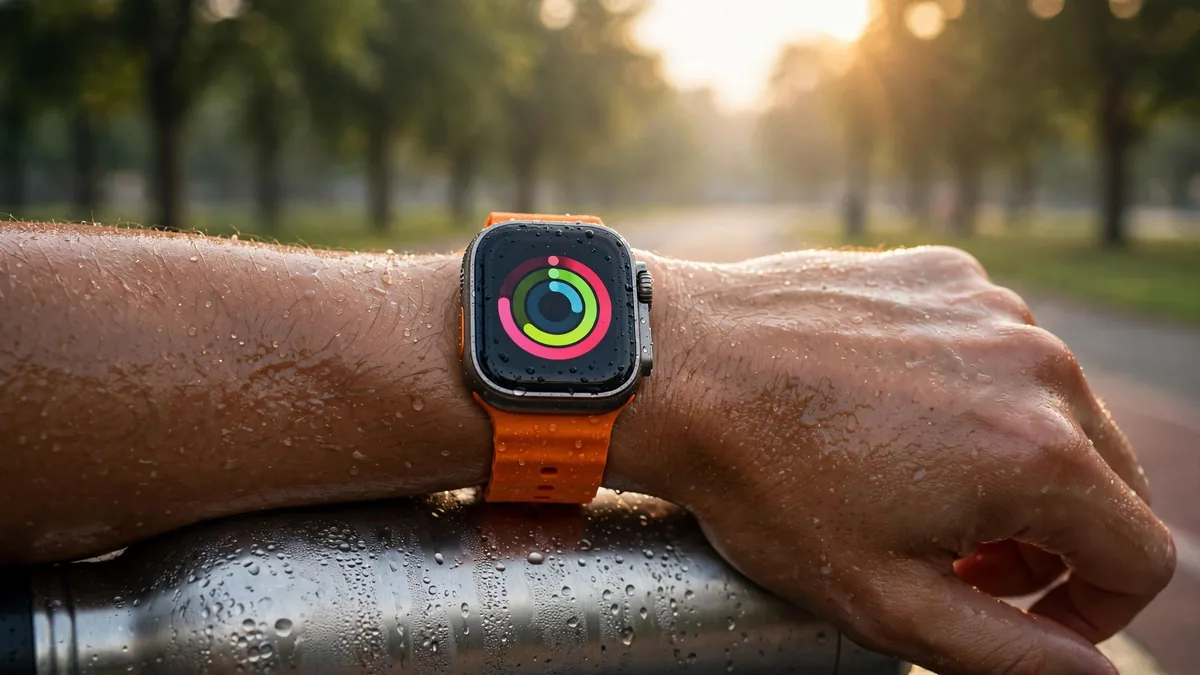
For Apple Watch summer workouts in Lahore, start with the time and place rather than the watch settings. An early walk on a route with shade and access to water is easier to plan than a run under the midday sun. Use the watch to record what you do and help you keep track of time. How you feel and what the weather is doing should still decide when to slow down or stop.
If you're restarting outdoor exercise after a break, choose a short route that lets you turn back easily. Have water available and avoid waiting for an alert to take a break. If you feel faint or weak, stop the activity and move somewhere cool. Get medical help for severe symptoms or symptoms that don't improve.
Set up a workout you can read at a glance
Choose the workout type and decide what you want to see on the screen. For an easy run, elapsed time and heart rate may be enough. If you use heart-rate zones or pace alerts on your setup, check their settings before you leave. Avoid trying to keep the same pace simply because it was comfortable on a cooler day. Shorten the route or move the session indoors when conditions make the original plan impractical.
Plan water breaks independently of a watch reading. Take water or know where you can get it, and drink regularly during hot-weather activity. On a long route, tell someone your plan or go with another person. A workout record is useful afterwards, but it can't tell you whether you should continue when you feel unwell.
If you exercise with a group, agree on a shaded meeting point where anyone can stop without having to finish the route.
Read the watch before you set off rather than adjusting menus while crossing a road. If you depend on calls or directions, check your phone and connection as well. A watch that needs its paired iPhone for a particular service cannot be counted on to do the same thing when you leave the phone behind.
Get a steady reading without overtightening the band
Apple's heart-rate guidance notes that sweat or water can affect a reading. Check that the watch sits against clean, dry skin and is snug enough to stay in place. If a number suddenly looks different from what you expect, ease off, check how you feel and look at the fit. Don't dismiss symptoms because a watch shows a reassuring number.
Try the band through a few minutes of movement. A band that slides on a sweaty wrist can make the watch uncomfortable and change how reliably it measures. Choose a material you can clean according to Apple's guidance, and let the watch and band dry before putting them away. If the skin under the band is irritated, stop wearing it there until you can address the cause.
If you use heart-rate notifications outside workouts, read Apple's description of when they apply. The reading shown during a workout and a notification you may receive at another time are different features. If you need to monitor a medical condition, ask a clinician which readings and devices are appropriate.
Keep sweat, water and charging separate
Wipe the watch and band after use and follow the cleaning instructions for the material. Check which water exposures the exact model and band are intended for. Water resistance can change with wear or damage, especially on a used watch with an uncertain service history. See the Apple Watch water-resistance guide before assuming a watch that handles sweat should be used for swimming.
Let the watch dry and cool before charging. Avoid charging it on a sunny windowsill or leaving it in a parked car. Apple's temperature guidance lists operating and charging conditions for different Watch families. If a temperature warning appears, follow Apple's steps and move it out of the heat. A pause in charging during hot conditions may be temporary. If it persists after cooling in suitable conditions, arrange an inspection.
Buy a watch around the routine you will keep
If you mainly want to record short walks and see basic workout information, try a comfortable model and an easy-to-clean band. If long outdoor sessions and charging frequency are major concerns, compare the Ultra 3 and Series 11 and check which features are available where you use them.
Browse MacVault's Watch selection and confirm today's price for the exact size, band and condition. On a used watch, check battery condition and charging and complete account handover. Try the band while moving your wrist, because comfort matters more after half an hour outside than it does in a shop photo.
Frequently asked questions
Should I wait for a heart-rate alert before slowing down?
Pay attention to how you feel and the conditions around you. If you feel faint or weak, stop and move somewhere cool rather than waiting for a watch alert.
What if my watch reading jumps when the band gets sweaty?
Ease off and check the fit and contact with your skin. Dry the watch and wrist when practical, then check the reading again. Seek medical advice for symptoms or concerning readings rather than assuming the band caused them.
Can I put the watch on its charger as soon as I get home?
Let it dry and return to a suitable temperature first. Use the charger and conditions specified for the model.
Business: MacVault
Price Range: Expected price ranges confirmed before purchase
Phone: +92 339 4004289
Description: Browse iPhones, MacBooks, iPads, Apple Watch, AirPods, and PS5 products from MacVault in Lahore with clear condition, warranty, and stock details.
+92 339 4004289 <contact@macvault.store>