
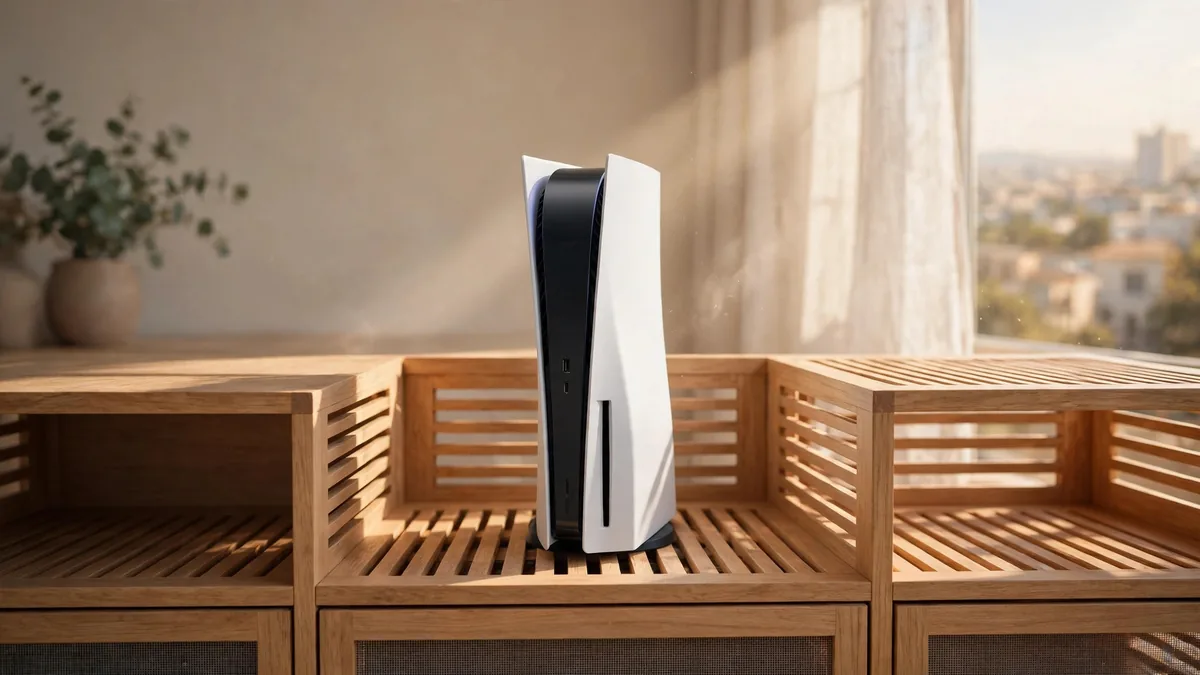
PS5 overheating is easier to investigate when you know when it happens. A fan becoming louder during a busy scene can be normal. A console showing a temperature warning or shutting down partway through a game needs attention. If you see a warning, stop playing and turn the console off. Let it cool before moving it or inspecting the vents.
In a Lahore summer, the room can be hot before you switch the television on. Start by changing the placement and checking for dust. If the console still fails in reasonable conditions, record the symptoms and arrange service instead of trying to reproduce the warning again and again.
Give warm air somewhere to go
Sony's PS5 ventilation guidance recommends leaving at least 10 cm of free space around each side and keeping the vents clear. Put the console on a stable surface using the feet or base specified for its model. Take it out of a cramped cabinet, move other electronics away from the rear and avoid a deep carpet or cloth underneath.
Check the space once all the cables are attached. A power strip or folded cable can push the console backwards until the rear is closer to the wall than you planned. A cabinet can also trap heat from several devices even when the console's front is exposed. If it works reliably on an open shelf but not inside the cabinet, change the permanent arrangement before buying an accessory to cool it.
Use the operating guidance for the exact model and try the console in a room where air can circulate. If the room is unusually hot, wait for it to cool before testing. Do not put the console in a fridge or try to cool it with ice. Our electronics heat guide covers similar placement decisions for other equipment sharing the room.
Clean the vents with the power disconnected
Turn the console off fully, wait for its indicator to go out and disconnect the AC cable. Give it time to cool. Sony recommends using a low-powered vacuum to remove dust around the vents. Work on the areas covered by the manufacturer's instructions. Avoid liquid cleaners or putting tools inside an opening. If the dust or obstruction is beyond the accessible areas, get help from a service provider.
Check the shelf before moving the machine back. A console beside an open window or close to a dusty floor can collect the same dust again. Leave room to wipe the area without pulling the console forward by its cables. Keep the console's covers fitted as directed for use. Running without them is not a sensible way to deal with a temperature warning.
When the console is ready, try the game that previously gave you trouble. Note how long it runs and whether the fan settles when you return to the menu. A change in fan speed during demanding play can be normal. A rattle, a new warning or another shutdown after the placement and cleaning checks needs a different response.
If you move the console for this test, keep the other conditions similar. Starting from the same saved area makes it easier to tell whether the new placement helped.
Set up rest mode around the power you have
Rest mode keeps certain functions available, depending on the settings. The console may charge controllers or download content. If you want to avoid those tasks while the machine sits in a hot room, review the available rest mode options and use a full shutdown when you don't need them. See Sony's power indicator guide to distinguish rest mode from a console that's fully off.
During load-shedding, choose a full shutdown before cutting power when you know an outage is coming. Wait for the indicator to go out. Avoid unplugging a machine that is still running, entering rest mode or shutting down. If you rely on backup power, give yourself enough time to close the game and shut down properly rather than playing until the supply runs out.
Ask for a longer demonstration on a used PS5
Start the unit cold and play through part of a game in open air. Ask whether it has shown a heat warning and whether anyone has worked on the fan or cooling system. If the seller has a repair record, compare it with the symptoms they describe. A machine that shows a warning in ordinary conditions should be assessed before you buy it.
Use the used PS5 inspection guide for other checks, then browse MacVault's PS5 selection and confirm today's price for a comparable unit. If you already own the console, compare that quote with a diagnosis and service estimate instead of replacing it solely because the fan was audible.
Frequently asked questions
Is a PS5 fan getting louder in one game normal?
It can be. A more demanding scene can make the fan run faster. Watch for a warning, repeated shutdowns or a new mechanical noise that persists after checking airflow.
Can I vacuum the vents while the console is in rest mode?
Turn it off fully, disconnect the power cable and let the unit cool first. Follow Sony's cleaning instructions for the vents.
What should I tell a technician if a warning comes back?
Share the warning, the game, how long it took and where the console was placed. Mention any shutdowns or noise and whether the problem persisted after improving ventilation.
Business: MacVault
Price Range: Expected price ranges confirmed before purchase
Phone: +92 339 4004289
Description: Browse iPhones, MacBooks, iPads, Apple Watch, AirPods, and PS5 products from MacVault in Lahore with clear condition, warranty, and stock details.
+92 339 4004289 <contact@macvault.store>