
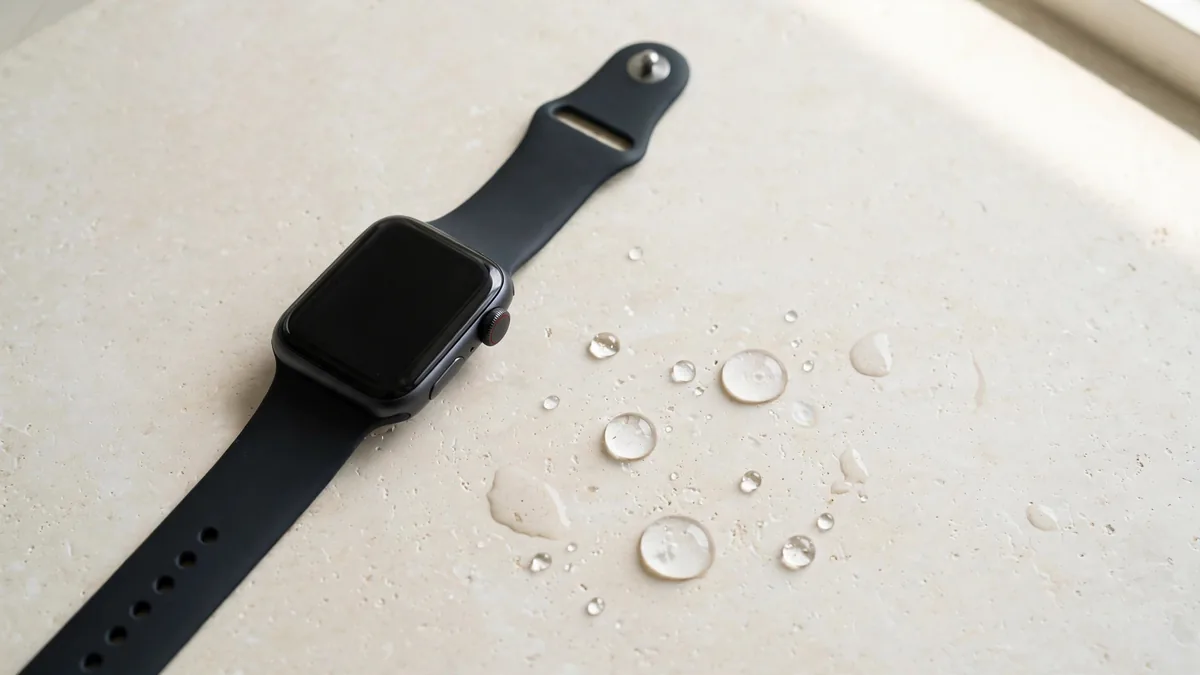
Is Apple Watch waterproof enough for daily life? Not quite. Apple calls it water resistant, and that difference matters. Most models since the Series 2 can handle swimming in a pool, a shower and five rounds of wudu a day, but the protection has limits, it wears down over time, and it can disappear completely after a careless repair.
This guide explains what each rating actually allows, how to use Water Lock, how to treat the watch around wudu and showers, and what to check before you trust a used watch near water. If you are still choosing a model, our Apple Watch price in Pakistan guide covers the whole range.
Water resistant, not waterproof
No watch is truly waterproof forever. A rating tells you what the watch survived in a lab when it was new, under still water at a steady temperature. Real life adds soap, hot water, pressure from jumping in, and years of small knocks.
Apple's own wording is careful: water resistance is not a permanent condition, it can reduce over time, and it cannot be rechecked or the watch resealed. Treat any rating as the best case for a new, undamaged watch.
Ratings by model
The ratings fall into three groups. Confirm the exact rating for any specific model on Apple's tech specs page, because a few details change between generations.
- Original Apple Watch and Series 1. Splash resistant only. Fine for rain and hand washing, not for swimming or showers. These are rare now, but they still turn up cheaply on OLX.
- Series 2 and later, and the SE models. Rated water resistant to 50 metres under the ISO 22810 standard. Apple says these can be used for shallow water activities such as swimming in a pool or the sea. They are not meant for scuba diving, waterskiing or anything involving high speed water.
- Apple Watch Ultra models. Rated to 100 metres, and Apple says they are suitable for recreational scuba diving to 40 metres. The Ultra also has a Depth app and a siren, and it is built for rougher use.
The 50 metre number does not mean you can dive to 50 metres. It is a lab pressure test, not a depth limit. For a normal swimmer in Lahore, any Series 2 or later in good condition is enough. The Ultra only makes sense on water grounds if you actually dive. Our Ultra 3 vs Series 11 comparison covers the other reasons people pick the Ultra.
How Water Lock works
Water Lock stops the screen reacting to water drops so a splash does not tap buttons for you. It turns on by itself when you start a swimming workout. You can also turn it on manually from Control Centre by tapping the water drop icon.
To turn it off, press and hold the Digital Crown on recent watchOS versions (older versions ask you to turn the Crown instead). The watch then plays a series of tones that push water out of the speaker hole. You may feel a slight buzz. That is normal.
Wudu, showers and daily water
For wudu, remove the watch if it prevents water reaching your wrist. Keep it out of soapy water, and dry the band and case before putting it back on. If a used watch has been opened or damaged, avoid assuming it still has its original protection.
For more on wearing the watch through the fasting month, see our Apple Watch Ramadan tips.
What can break water resistance
These are the usual ways a watch loses its protection:
- Drops and impact. A hard knock can shift the display or crack the back.
- Third-party repairs. A screen or battery replaced at a market stall usually means the seal was opened and reglued. The glue may not match the original.
- Swollen battery. An ageing battery can swell and push the screen up from the case. A lifted display lets water in easily.
- Age and heat. Seals and adhesive age, especially through hot Lahore summers and daily sweat.
- High pressure water. Jumping into a pool, jet skis, waterfall rafting in the north or a hose aimed at the watch are harder on it than gentle swimming.
Buying a used watch you plan to swim with
A used watch can look perfect and still let water in. You cannot test the seal at home, so judge the history and the physical signs instead. Before paying, check:
- The gap between screen and case. Look along the edge at an angle. The display should sit flat and even all the way round, with no lifted corner or visible glue line.
- Signs of opening. Scratches or pry marks along the screen edge suggest someone has opened it.
- Battery health. On the watch, open Settings, then Battery, then Battery Health. A low reading with a slightly raised screen can point to swelling.
- Repair history. Ask the seller directly if the screen or battery was ever replaced, and where. Get the answer on WhatsApp so you have it in writing.
- Speaker and microphone. Play a sound and make a test call. Muffled audio can mean past water got in.
- Activation Lock. The seller must unpair the watch from their iPhone first. This has nothing to do with water, but it is the check people forget most.
Frequently asked questions
Can I swim with my Apple Watch?
Yes, if it is a Series 2 or later, an SE or an Ultra and it has not been damaged or opened. Turn on Water Lock or start a swim workout first. Avoid diving with a non-Ultra model, and rinse the watch after a pool or the sea.
Is it safe to do wudu with an Apple Watch on?
The water itself is not a problem for any model from Series 2 onwards. Many people move or remove the watch so water reaches the skin underneath. Keep the band dry afterwards, and avoid leather bands if you do wudu several times a day.
Does Water Lock eject water from the watch?
When you turn Water Lock off, the watch plays tones that push water out of the speaker. It does not dry the inside of a watch that has leaked. If the screen fogs or the watch behaves oddly after water exposure, switch it off and get it checked.
Is the Apple Watch Ultra more waterproof than the Series?
It has a higher rating, 100 metres against 50 metres, and is rated for recreational diving to 40 metres. For swimming laps or wudu, both are fine. The Ultra's advantage only really matters if you dive or do watersports.
Before you buy for swimming, decide which model fits your wrist and budget, then browse the Apple Watch page. Ask MacVault on WhatsApp for current photos of the exact watch, including a close look at the screen edge, and get the battery health and warranty terms in writing.
Business: MacVault
Price Range: Expected price ranges confirmed before purchase
Phone: +92 339 4004289
Description: Browse iPhones, MacBooks, iPads, Apple Watch, AirPods, and PS5 products from MacVault in Lahore with clear condition, warranty, and stock details.
+92 339 4004289 <contact@macvault.store>