
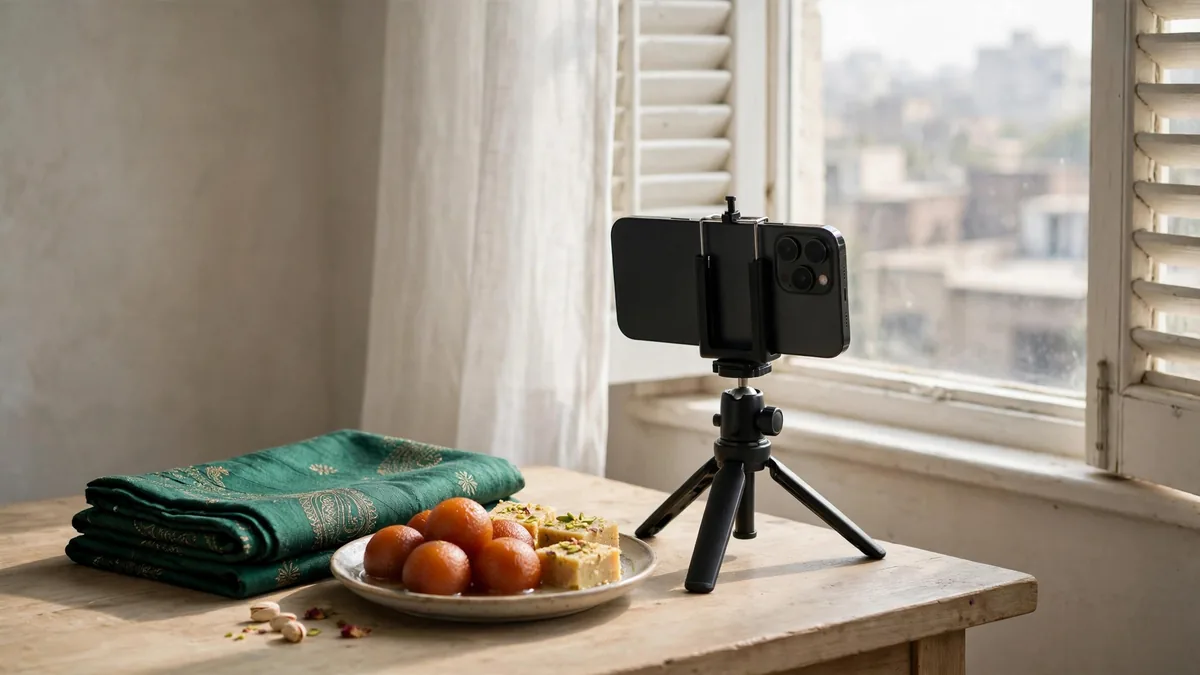
Chand raat is the hardest night of the year for a phone camera. Fairy lights, bangle stalls under tube lights, crowds in Liberty or Anarkali, and hands covered in fresh mehndi all in one evening. Then Eid morning brings bright sun at the masjid and a dim drawing room full of relatives who all want to be in the same frame. These iPhone camera tips Eid photos need cover each of those situations using only the Camera app and settings already on your phone.
You do not need a new phone or an editing app. Most blurry or orange Eid pictures come from a dirty lens, the wrong mode or a shaky hand, not from the hardware. Spend five minutes on the setup below before you leave the house.
Set up the camera before chand raat
Open Settings, then Camera, and change these once:
- Grid on. It shows thirds lines so you can keep the horizon and door frames straight. On recent iOS versions, turn on Level in the same menu as well.
- Formats. Keep High Efficiency selected so photos use less storage. If your iPhone has a 48MP main camera, you will also see resolution options. Save the highest setting for a few special frames; it fills storage fast.
- Preserve Settings. Turn on the options you want kept, such as Creative Controls or Live Photo, so the camera does not reset every time you open it.
- Burst. On most recent iPhones you take a burst by sliding the shutter button to the left. Some versions also let you use the volume up button for bursts; enable it if you see the option.
Then check free space in Settings, General, iPhone Storage. Video of a family gathering eats gigabytes quickly. If you are always deleting things to make room, our iPhone 128GB vs 256GB guide explains how much space photos and video really need.
Chand raat lights and night shots
Night mode switches on by itself in low light on iPhone 11 and later. You will see a moon icon, usually with a number of seconds beside it. That number is how long the camera gathers light.
- Hold still for the full count. Brace your elbows against your body or rest the phone on a railing or car roof. Any movement during the countdown shows up as smearing.
- Ask people to freeze. Night mode is great for a stall front or a lit-up street, but anyone moving will blur. For people, tell them to hold still for two or three seconds, or tap the moon icon and turn Night mode off for a quicker shot.
- Use a longer exposure when the phone is steady. Tap the moon icon to adjust the time. When the iPhone senses it is on a stand or wall, it can offer a much longer exposure, which is useful for lights and a quiet street.
- Avoid flash. Flash flattens faces and kills the warm glow of fairy lights. Leave it off and let Night mode work.
- Watch for flare. Bright bulbs can leave green dots or streaks. Wipe the lens and change your angle slightly so the brightest light is not straight into the camera.
Mehndi close-ups and portrait mode
Mehndi designs are fine detail on skin, so sharp focus matters more than background blur.
- Clean the lens first. Henna, oil and bangle-stall dust end up on the lens all evening. Wipe it with a soft cloth or a clean cotton dupatta corner before every close-up. This one habit fixes most hazy photos.
- Do not get too close. Each camera has a minimum focus distance. If the design looks soft, step back a little and use the 2x option if your iPhone has it, instead of pinching to zoom.
- Use macro if you have it. On iPhones with macro support, the camera can switch to the ultra wide lens automatically when you get close. If you see a flower icon, tap it to control the switch.
- Lock focus and exposure. Tap and hold on the mehndi until you see AE/AF Lock. Then slide the sun icon down slightly so the henna does not look washed out under bright light.
Group photos and indoor family shots
Eid group photos fail for three reasons: someone blinks, someone is cut off, or the room is too dark.
- Use the timer and burst together. Set the timer to three or ten seconds, rest the phone on a shelf or stack of books, and join the group. Recent iPhones take a short burst with the timer, so you can pick the frame where nobody blinked.
- Step back and use 1x. The ultra wide (0.5x) fits more people but stretches faces at the edges. Seat elders in the middle and keep the tallest relatives at the back, away from the edges of the frame.
- Turn on lights and face the window. Put your back to the window, not the people's backs. Switch on every light in the room. More light means faster shutter, less blur from children who never sit still.
- Take several. Shoot five or six frames and choose later. It costs nothing.
Eid morning outdoors
Bright March sun at the masjid or in the lawn gives hard shadows and squinting faces.
- Put people in open shade, such as under a tree or veranda, rather than direct sun.
- If someone is backlit and looks dark, tap their face to set focus and exposure there.
- Lower exposure slightly with the sun slider if white kurtas look blown out.
- Try Photographic Styles (iPhone 13 and later) if you want a consistent warmer or cooler look across all your Eid photos. Set it once rather than editing each picture.
Share a copy and keep your originals
Send the pictures the family wants to see now. Keep the original files on the phone or in a separate backup so you still have full-size copies for printing.
Frequently asked questions
Why do my iPhone night photos look blurry?
Usually because the phone or the people moved during the Night mode countdown. Brace the phone, ask people to hold still for a few seconds, and wipe the lens. For moving subjects, turn Night mode off and accept a slightly darker, sharper shot.
Which iPhones have Night mode and portrait mode?
Night mode is on iPhone 11 and later. Portrait mode is on most models from the iPhone 7 Plus onward, with more control on newer phones. If you are unsure, open the Camera app and check whether Portrait appears in the mode list.
Should I use flash for indoor Eid photos?
Mostly no. Flash makes faces flat and shiny and washes out warm lighting. Turn on room lights, move people closer to a window or lamp, and let the camera handle low light instead.
Is my older iPhone camera good enough, or should I upgrade?
Most iPhones from the last few years take good Eid photos with the tips above. Newer models help most in low light and with zoom. If you are thinking of upgrading, check camera condition and PTA status on any unit you are offered first.
Next step
If your current phone is struggling with low light or storage, browse the iPhone collection to compare models by condition and PTA status, and message MacVault on WhatsApp for current photos of the exact unit. For lens wipes, cables and power banks to carry on chand raat, see accessories. Looking for a present instead? Our Eid gift ideas post has Apple and PlayStation picks.
Business: MacVault
Price Range: Expected price ranges confirmed before purchase
Phone: +92 339 4004289
Description: Browse iPhones, MacBooks, iPads, Apple Watch, AirPods, and PS5 products from MacVault in Lahore with clear condition, warranty, and stock details.
+92 339 4004289 <contact@macvault.store>