
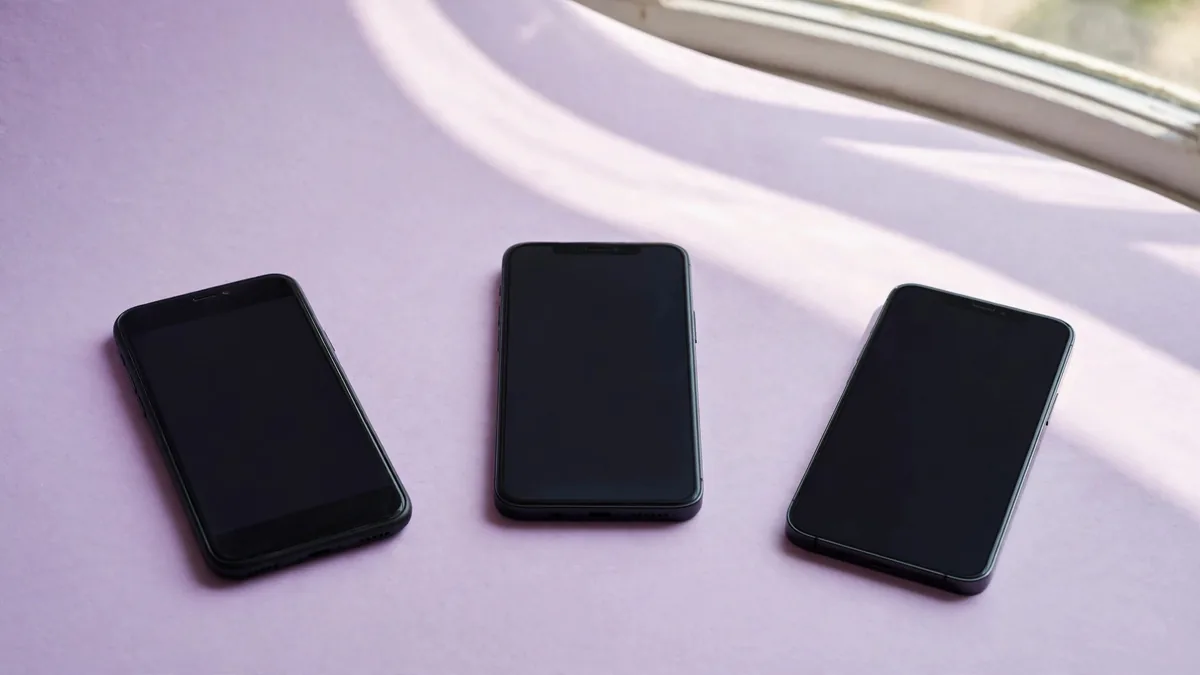
The list of iOS 27 compatible iPhones matters if you're about to buy a used phone and want it to run the next major version of iOS. Apple previewed iOS 27 at WWDC on June 8. Its announcement puts the public update in the fall. Check your exact model now, but wait for Apple's release information before expecting the update to appear in Settings or buying a phone for a feature shown in the preview.
The good news for someone looking at an older used iPhone is that the iPhone 11 family still appears on Apple's compatibility list. The date of the phone's release is only a rough guide. Use the model name from Settings, especially when a listing uses a family name without a generation.
Read the oldest supported models carefully
Apple's iOS compatibility information lists the iPhone 11, 11 Pro and 11 Pro Max. It also lists the iPhone SE from the second generation onward. The iPhone 12, 13, 14, 15, 16 and 17 families are represented, including variants such as the iPhone 12 mini, iPhone 13 mini and iPhone 16e. The iPhone Air is also on the list. Check Apple's page for the exact device rather than reading “11 and newer” as a substitute for identifying it.
The iPhone XR, XS and XS Max remain outside this major release. They were already absent from the iOS 26 compatibility list, so an XR missing from the new list isn't evidence that it was just dropped in June. For a used buyer, the important distinction is whether the exact device can move to the new major version. Our older iPhone support guide explains why an older security update and a new major release are different things.
To confirm the model, open Settings, General, About. Read the model name and software version on the phone itself. On a remote sale, ask for a current image of the relevant screen without requiring the seller to post the full serial or IMEI publicly. A listing that only says “SE” or “11 series” leaves too much room for assumptions.
Separate software compatibility from access to one feature
An iPhone that can run iOS 27 may still lack a specific feature. Apple can limit features by hardware, language, location or other requirements. In its WWDC announcement, Apple describes features that depend on supported Apple Intelligence devices. Check the footnotes for the feature you want rather than assuming that all the phones on the compatibility list will behave alike.
For example, if you mainly want to keep using a banking app and a school portal, read their current requirements. You might get what you need from an older supported phone. If you're buying for a new AI feature shown in a video, identify the feature and check its device and regional requirements separately. Installing a compatible version of iOS doesn't change the hardware in the phone.
Compare an iPhone 11 and an iPhone 12 on condition as well as their place on the list. A phone that can't hold a charge or has a failing display can be a poor choice even if Apple lists it for the update.
Treat the preview and public release as separate stages
Apple says developer testing starts with the June preview, with a public beta to follow and the free software update due in the fall. Check Apple's announcement and Software Update for the current status before planning the install. A beta running on someone else's phone doesn't establish that the regular release is ready for your device.
If you rely on the phone for banking, classes or work sign-in, plan to stay on a stable release until you're ready to update. Make a backup first. Check that you can still receive account verification and have enough free storage. If one app is critical, ask its provider about support before updating the only device you use for access.
Allow time to check calls and your essential apps after installing the update.
If a used phone is running a beta when you inspect it, ask how it will be prepared for sale and what software you can expect at handover. Don't take a seller's word that switching software will fix a hardware fault. Complete the usual account, display, battery and network checks before accepting it.
Make the update list one part of the used quote
Ask for a model that meets your software needs today, with storage and battery condition you can use. Check PTA status separately if you need a Pakistani line. Browse MacVault's iPhone selection and confirm today's price for the exact model and condition. If you're choosing between two eligible models, compare their actual condition and the specific features you expect to use.
Frequently asked questions
Is the iPhone 11 on the iOS 27 list?
Yes. Apple lists the iPhone 11 family. Check individual feature requirements before assuming it supports everything in the preview.
Will an iPhone XR get the update if it has the latest iOS 18 patch?
No. An update on the older branch doesn't make the XR eligible for iOS 27. Check the apps you need and compare a supported model if the major update matters to you.
Can I install the public release as soon as Apple shows it at WWDC?
A preview is a separate stage. Check Apple's timing and use Software Update when the public version becomes available for your model.
Business: MacVault
Price Range: Expected price ranges confirmed before purchase
Phone: +92 339 4004289
Description: Browse iPhones, MacBooks, iPads, Apple Watch, AirPods, and PS5 products from MacVault in Lahore with clear condition, warranty, and stock details.
+92 339 4004289 <contact@macvault.store>